The Section Divider block A piece of a page, such as a paragraph, a picture or a button. In WordPress you build a page by putting blocks one after another. draws a line or a shape between two parts of a page, or a short label in the middle of a line. See it working on the Section Divider page.
Add a divider
Add the Section Divider block between two parts of the page.
In the Settings tab, pick the Variant.
Set its Width and Thickness.
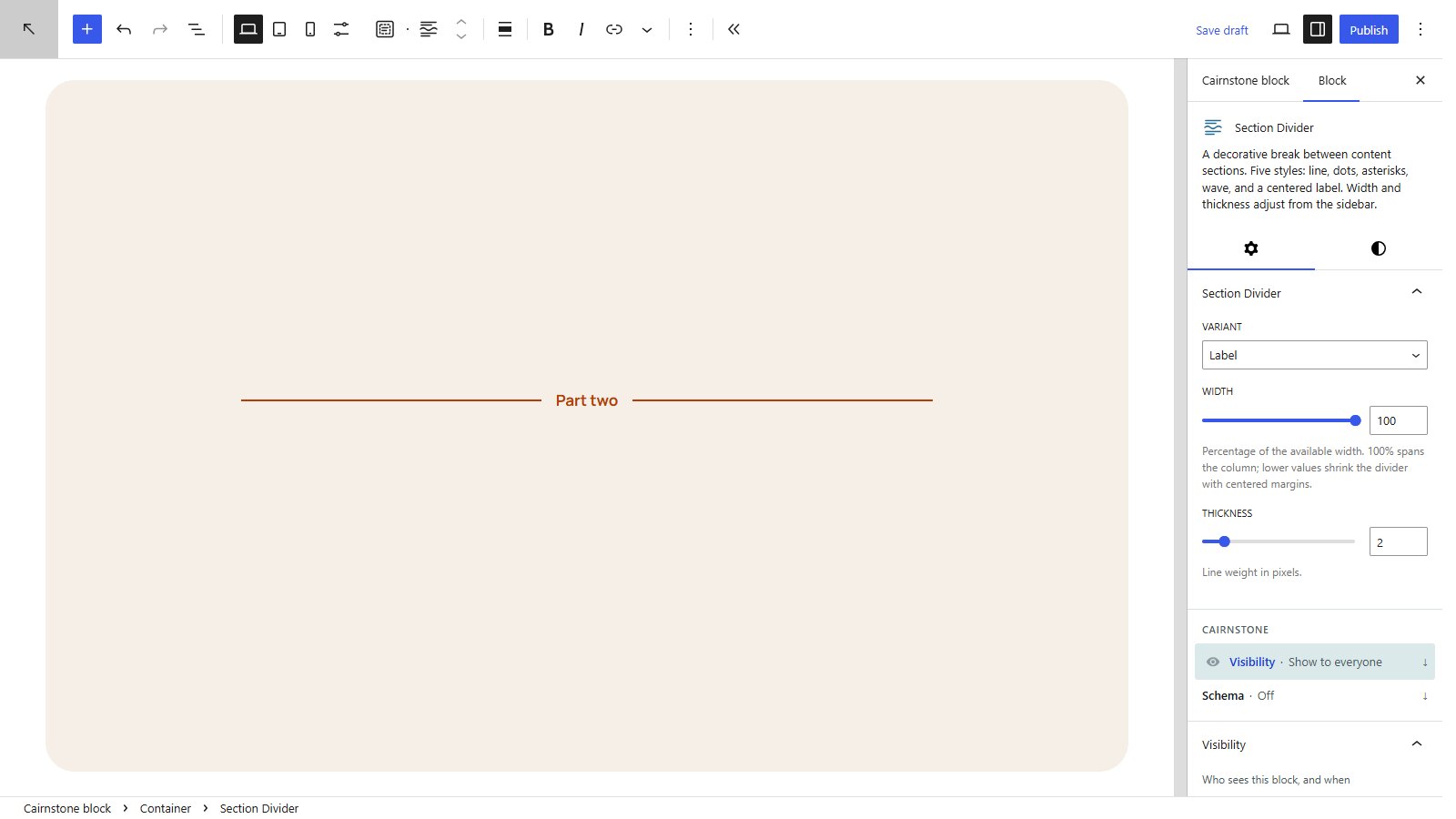
The Section Divider settings
- Variant: Line (the default), Dots, Asterisks, Wave or Label. Label puts your own words in the line, such as Chapter two.
- Width: a share of the width there is, 100% to start. Less than 100% makes the divider shorter and centres it.
- Thickness: the line weight in pixels, from 1 to 8, 3 to start.
Colours and shape
In a normal post or page, the Styles tab has padding and margin only. In a saved Cairnstone block, under Cairnstone → Blocks, the Styles tab adds colour, filters, and size and spacing.
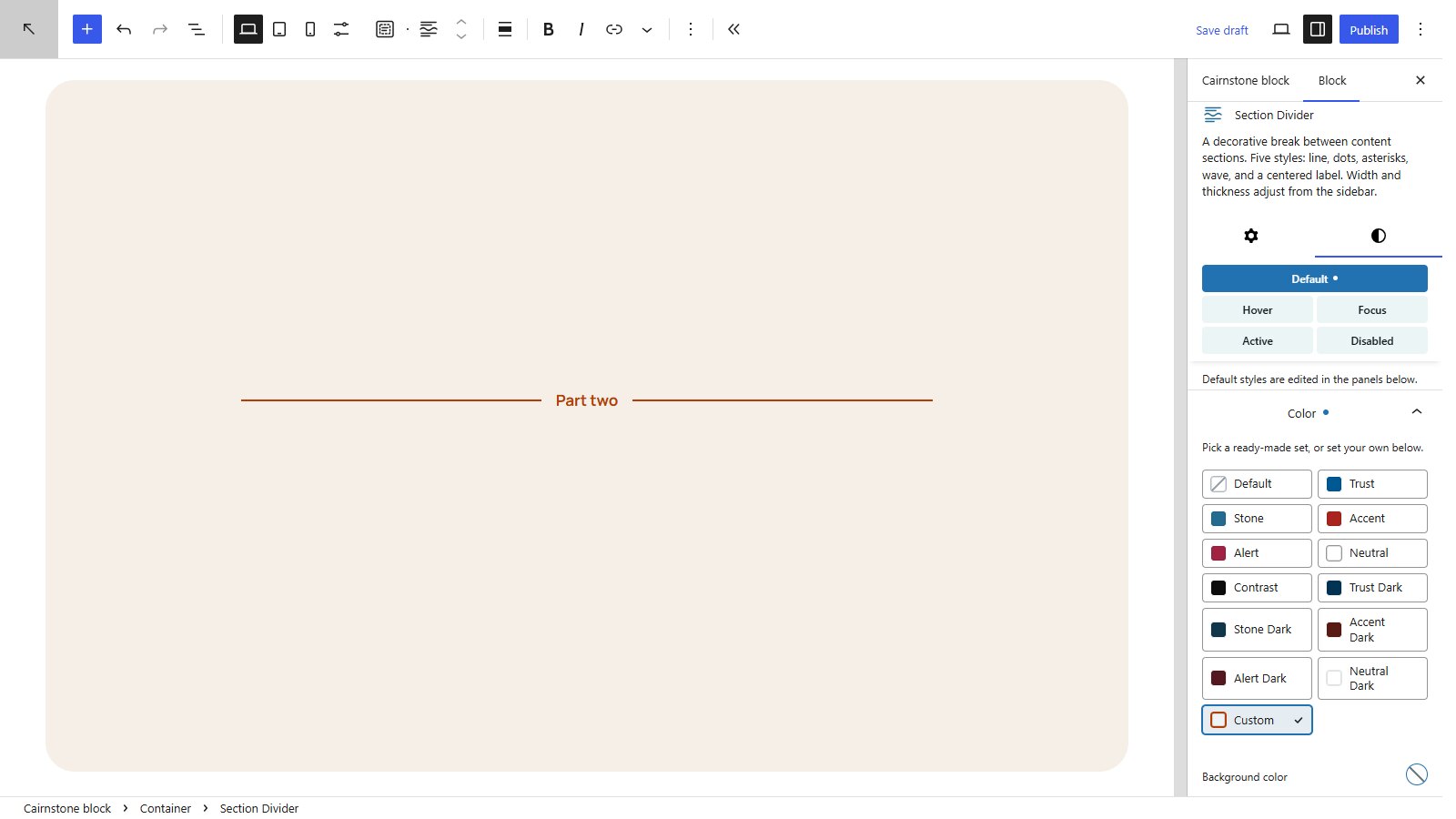
What visitors get
A separator that screen readers A program that reads the screen aloud, for people who cannot see it well. They move around the page with the keyboard and hear what is there. know as a separator, as wide as you set it.
Next, read Start a section with a heading and a label.