A breadcrumb trail shows where a page sits on your site: Home, then its category, then the page. Use WordPress’s own Breadcrumbs block A piece of a page, such as a paragraph, a picture or a button. In WordPress you build a page by putting blocks one after another. for the trail (it comes with WordPress 7.0 and later), and Cairnstone adds the structured data that tells search engines the same path.
Add breadcrumbs
Open your theme’s templates in the Site Editor, for example the ones for posts, categories and search.
Add WordPress’s Breadcrumbs block where the trail should show.
Save the template.
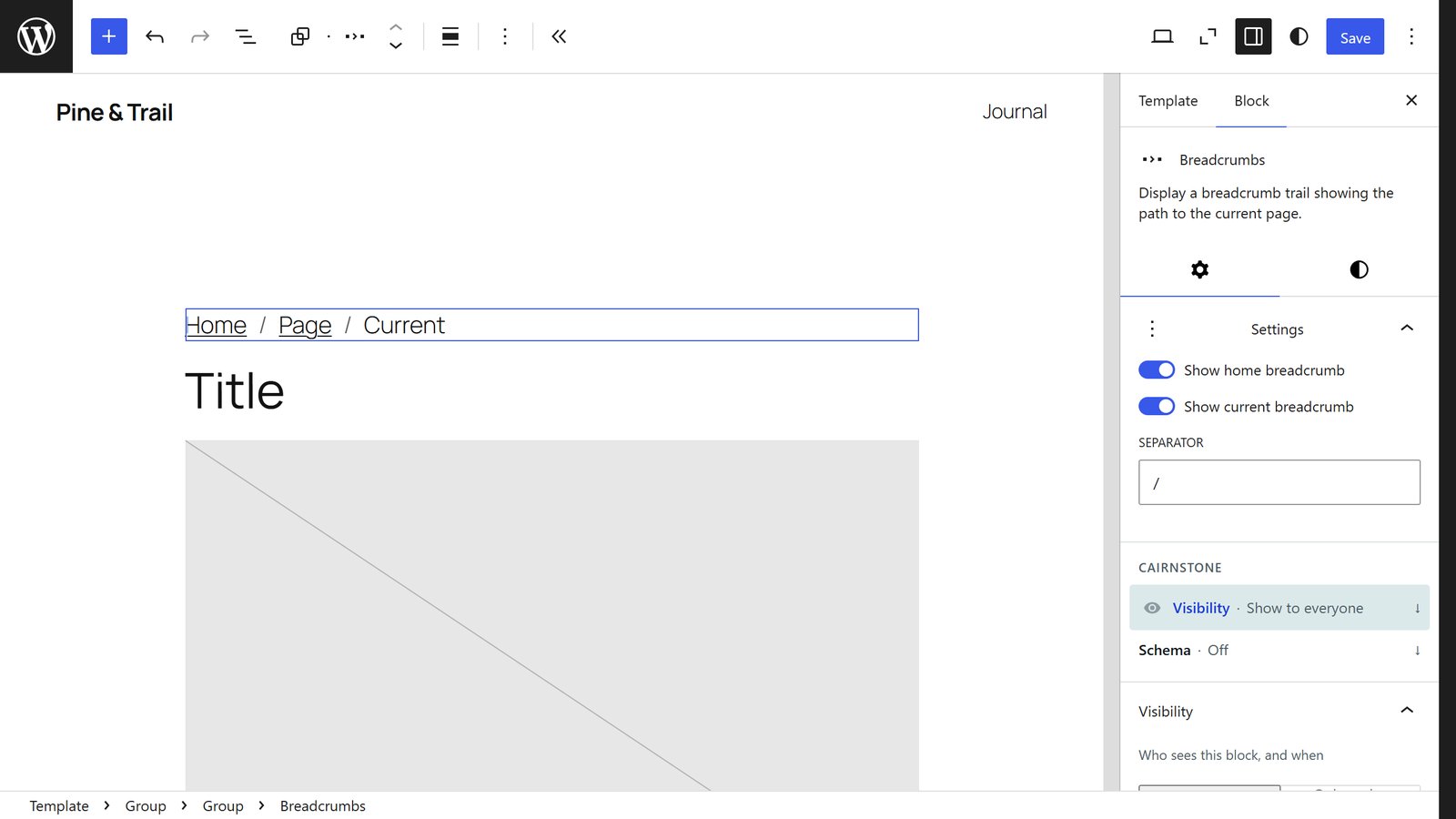
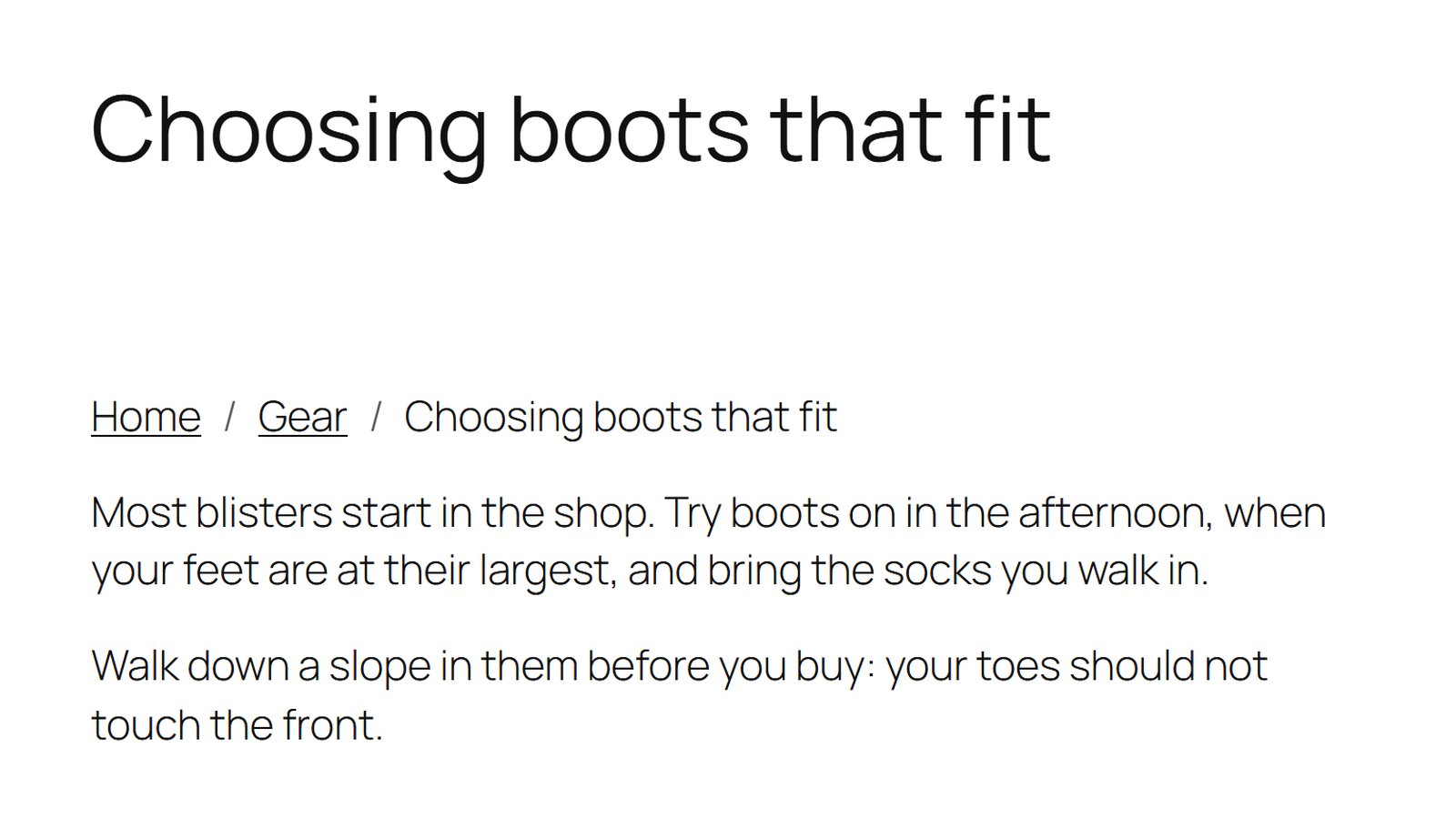
After every Breadcrumbs block on a page, Cairnstone adds the structured data, built from exactly the trail the block shows, so the two always agree. Nothing is added when the trail has one item or shows nothing. When your SEO plugin An add-on you install in WordPress to give your site new features. Gillish Cairnstone and Gillish Core are plugins. already adds breadcrumb data to the page, Cairnstone leaves its own out, so search engines get one answer.
If your SEO plugin adds breadcrumbs data
Switch Cairnstone’s off with one line in a small plugin or your child theme The design of your whole site: its fonts, colours and where the menu and footer go. You pick it under Appearance, then Themes.‘s functions.php:
add_filter( 'gillish_cs_breadcrumb_schema', '__return_false' );Next, read Update Cairnstone.