The Product Card block A piece of a page, such as a paragraph, a picture or a button. In WordPress you build a page by putting blocks one after another. shows one product inside an article: a picture, its name, a line on why a reader would want it, the price and a button to the shop. See it working on the Product Card page.
Add a product card
Add the Product Card block where you want it. It holds an Image, a heading, a paragraph, a Price and a Button.
Pick the picture, and type the name, the line about it and the price.
Give the Button its words and its link to the shop.
Each of the five is an ordinary block, so you can restyle, move or remove it, or add more.
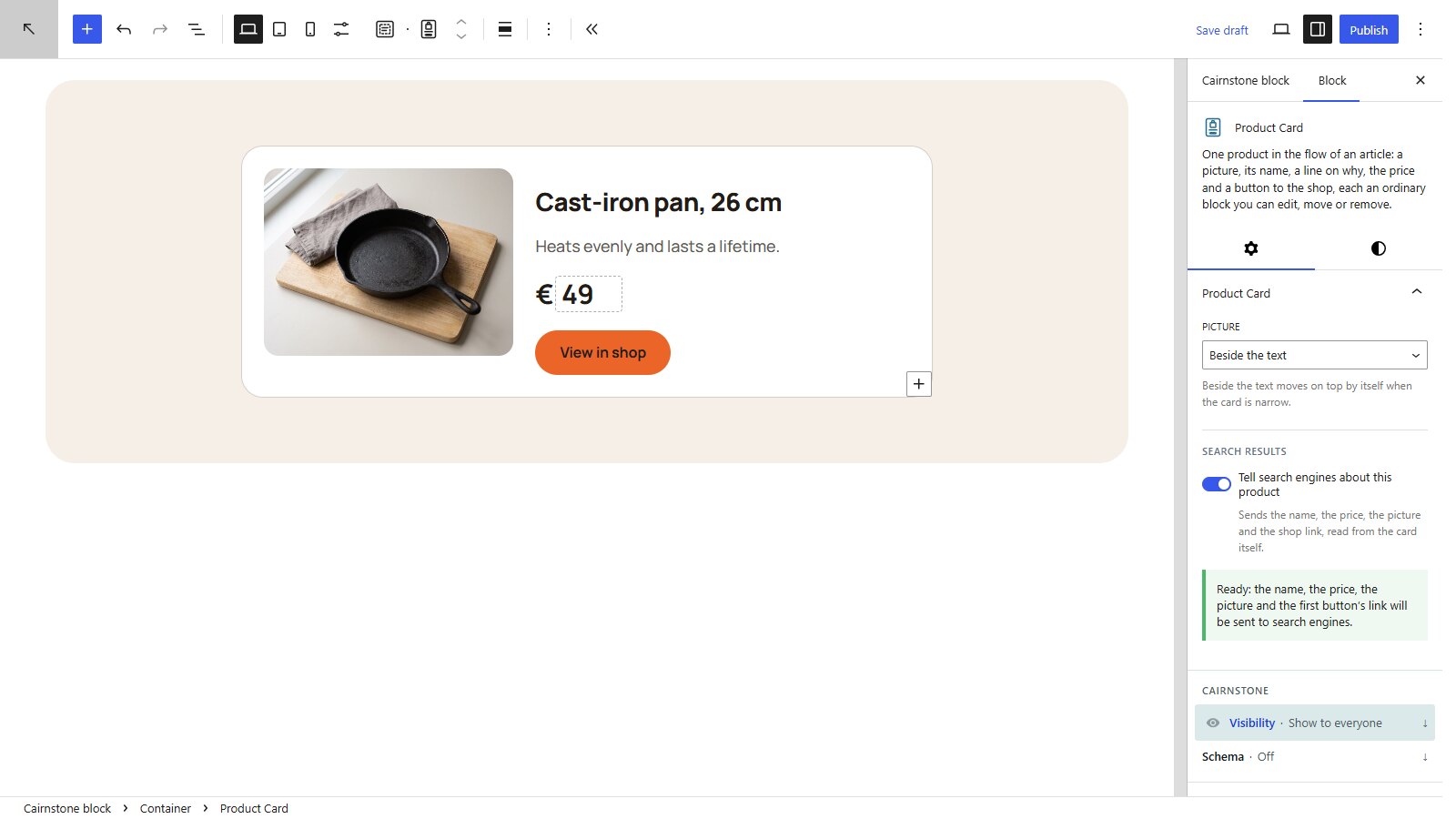
The Product Card settings
- Picture: On top (the default) or Beside the text. Beside the text moves on top by itself when the card is narrow.
- Tell search engines about this product (on to start) sends the name, the price, the picture and the shop link, read from the card itself. A notice says what is missing, or Ready when all is there.
Colours and shape
Where you set the look depends on where you edit the block. In a normal post or page, the Styles tab has WordPress’s own controls: colour, typography, padding and margin, and border. In a saved Cairnstone block, under Cairnstone → Blocks, the Styles tab has Cairnstone’s full set: colour (a ready-made set or your own), typography, border, shadow, filters, and size and spacing, each for the normal state and for hover, focus, pressed and switched off.
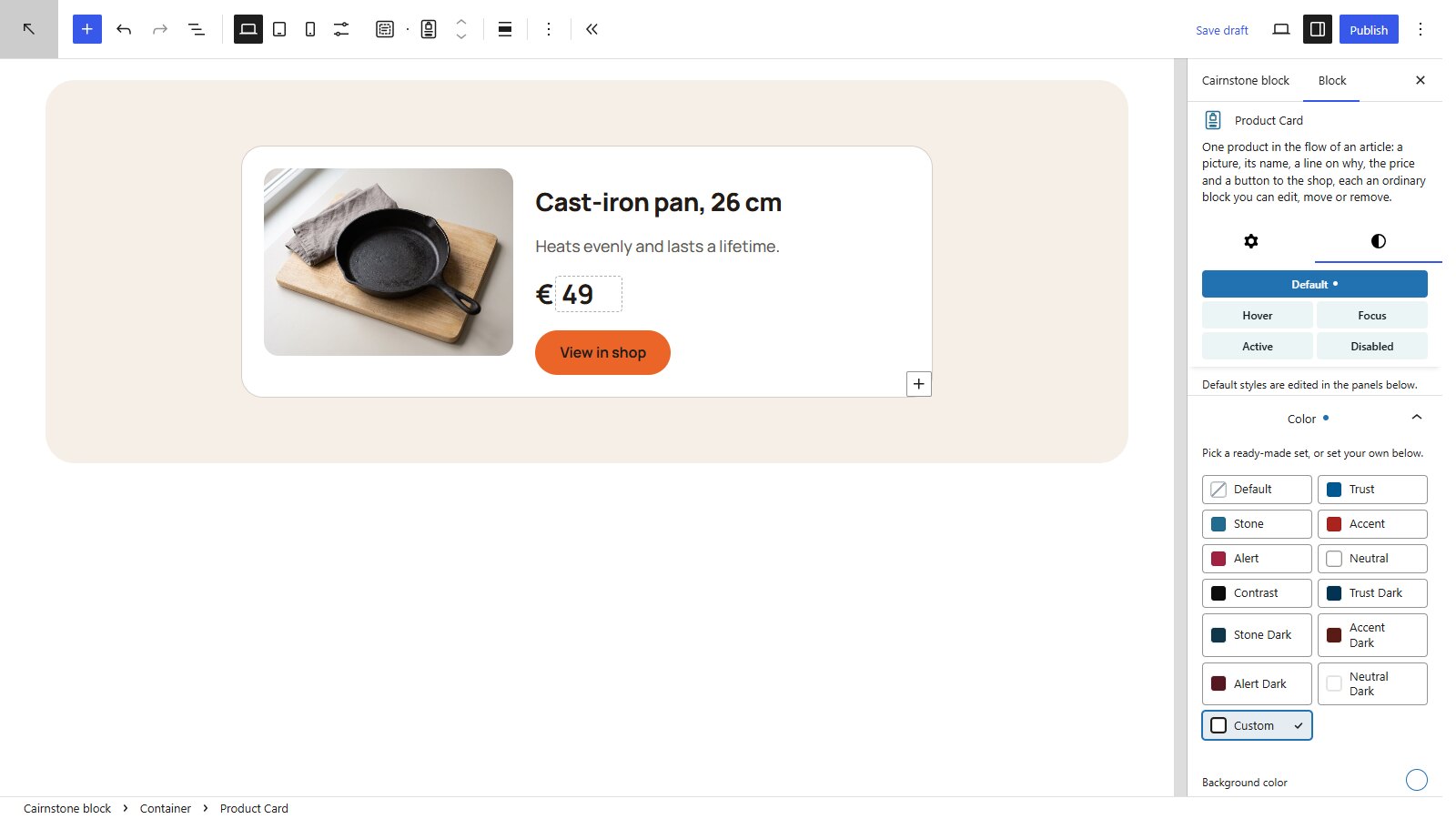
What visitors get
The card with its heading, price and shop button. The page also carries product data for search engines, read from the card.
Next, read Show products from a group of links.