The FAQ block A piece of a page, such as a paragraph, a picture or a button. In WordPress you build a page by putting blocks one after another. is a list of questions whose answers open and close. Search engines can read the questions too. See it working on the FAQ page.
Add questions
Add the FAQ block where you want it.
Press Add question, and type the question and its answer.
Use each question’s small toolbar to move it, remove it, or press Open to show it open when the page loads.
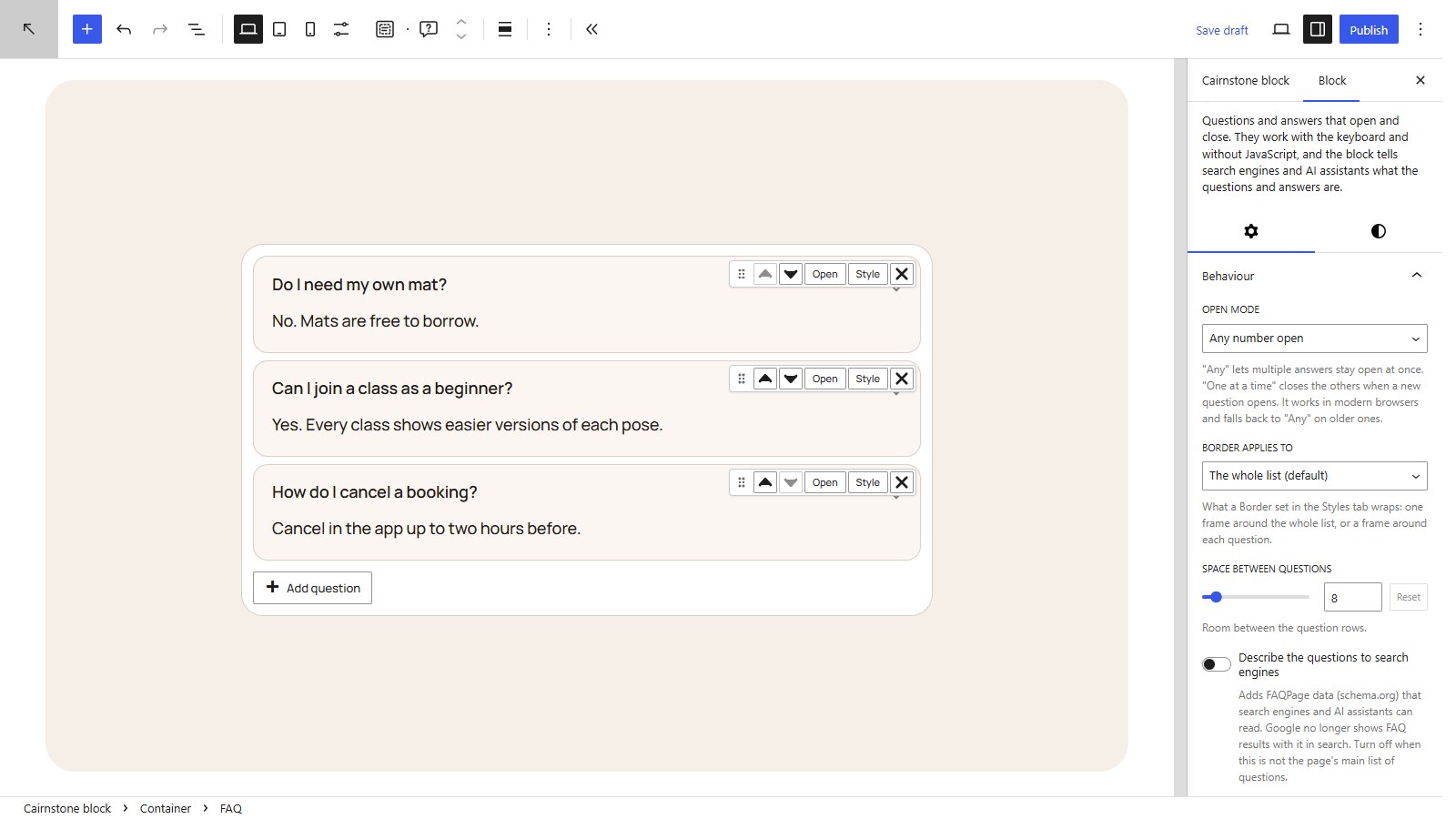
The Behaviour settings
- Open mode: Any number open (the default) lets several answers stay open at once. One at a time closes the others when a new question opens.
- Border applies to: The whole list (default) or Each question, for a border you set in the Styles tab.
- Space between questions: 0 to 64 pixels, 8 to start.
- Describe the questions to search engines (on to start) adds FAQ data that search engines and AI assistants can read. Turn it off when this is not the page’s main list of questions. When your SEO plugin An add-on you install in WordPress to give your site new features. Gillish Cairnstone and Gillish Core are plugins. already adds FAQ data to the page, Cairnstone leaves its own out, so search engines get one answer. The questions and answers count in the content analysis of Yoast SEO, Rank Math and SEOPress, such as the word count and the keyword checks.
Colours and shape
Where you set the look depends on where you edit the block. In a normal post or page, the Styles tab has WordPress’s own controls: typography, padding and margin, and border. In a saved Cairnstone block, under Cairnstone → Blocks, the Styles tab has Cairnstone’s full set: colour (a ready-made set or your own), typography, border, shadow, filters, and size and spacing, each for the normal state and for hover, focus, pressed and switched off.
In a saved Cairnstone block, each question row has three buttons in its toolbar: Open, Style and Questions. Style styles every question row, and Questions styles the question text of every row at once, for example a heavier weight in red.
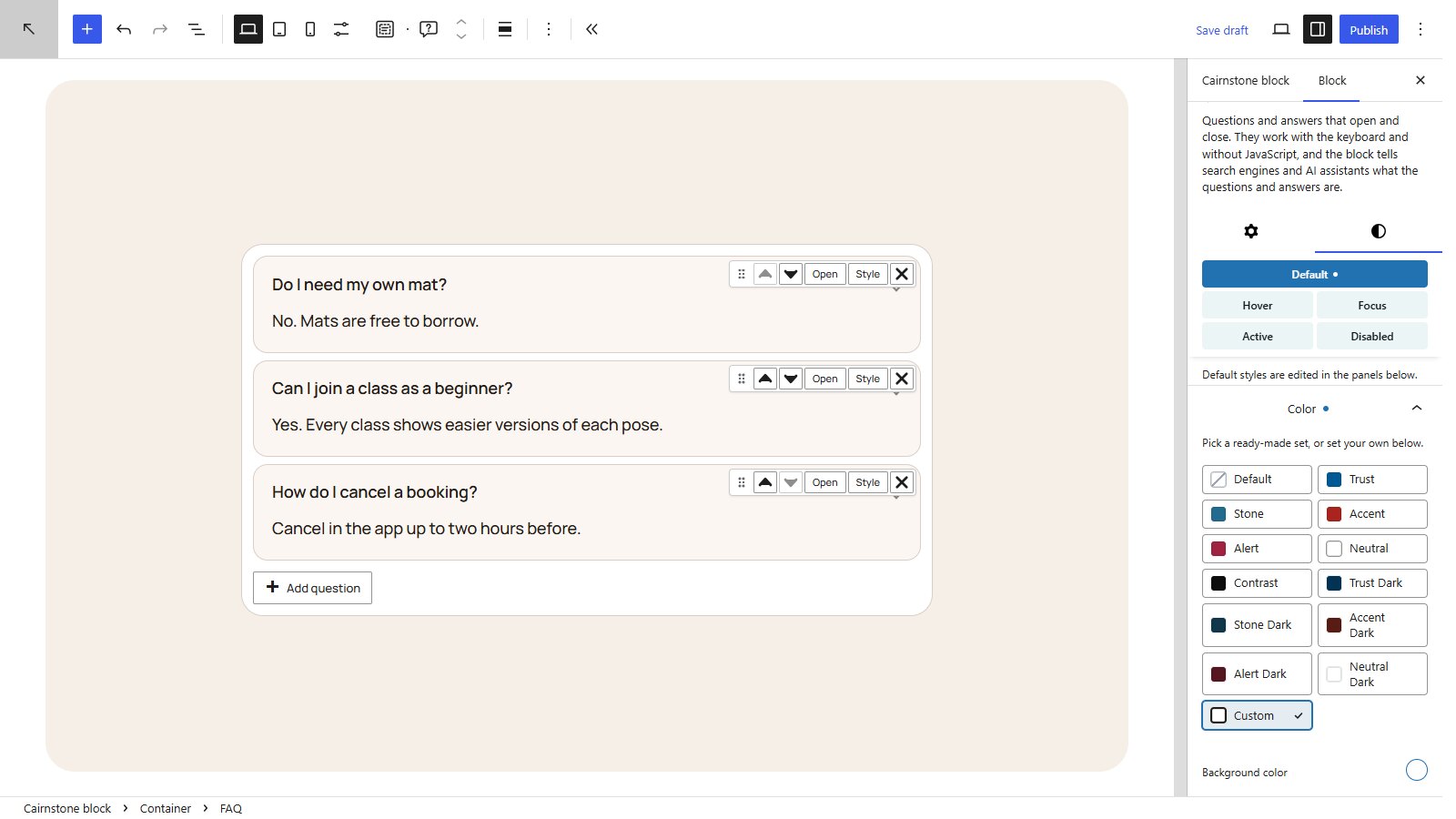
What visitors get
Each question is the browser’s own open and close element, so it works with the keyboard and the page needs no script for it.
Next, read List features with icons.