Cairnstone lets you build your own blocks A piece of a page, such as a paragraph, a picture or a button. In WordPress you build a page by putting blocks one after another.. You put one together once from any blocks you like, and it shows up in the block inserter of every post and page.
Build a block
Go to Cairnstone → All Cairnstone blocks and click Add new Cairnstone block, or click New block on the Dashboard.
Give it a title. The title is the block’s name in the inserter.
Build the block in the editor, the same way you build a page. You can use Cairnstone blocks, WordPress’s own blocks and blocks from other plugins, nested as you like.
Click Publish.
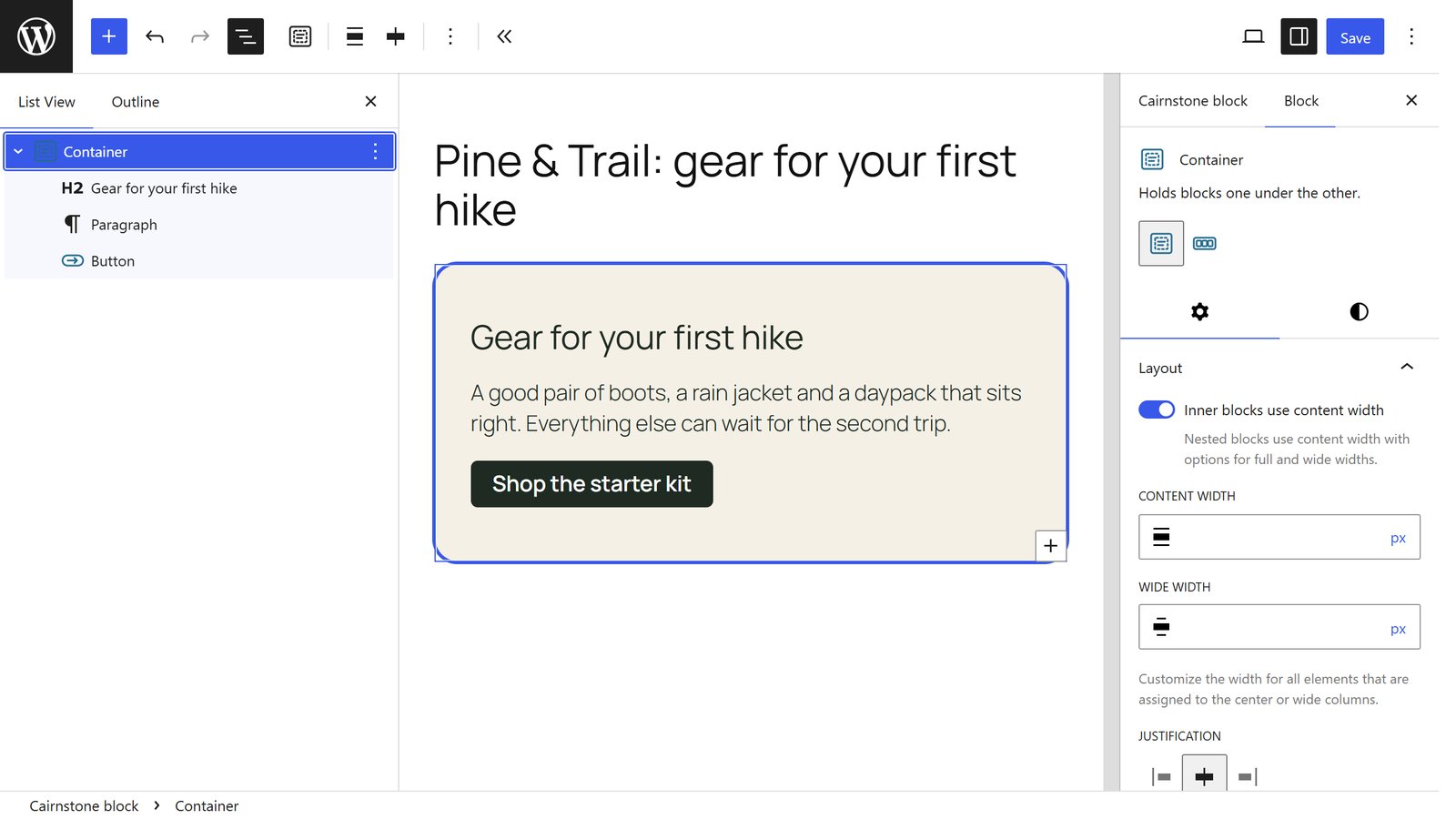
Your block now sits in the inserter under Cairnstone My blocks, on every post and page. Only a published block is there; a draft is not. When you change it later, the copies you place from then on get the change; see Change a block that is already in use.
Write the text
Cairnstone’s content blocks, such as FAQ, Hero, How-to, Testimonial and Author Bio, take their text right in the block, the way you type a normal paragraph. Select a few words and you get the formatting toolbar you have anywhere in WordPress: bold, italic, underline, links and the tools other plugins An add-on you install in WordPress to give your site new features. Gillish Cairnstone and Gillish Core are plugins. add. Settings such as layout, colours and visibility stay in the sidebar. A button label, such as a Hero’s call to action, takes plain text only, because a button is a link already.
Preview the block
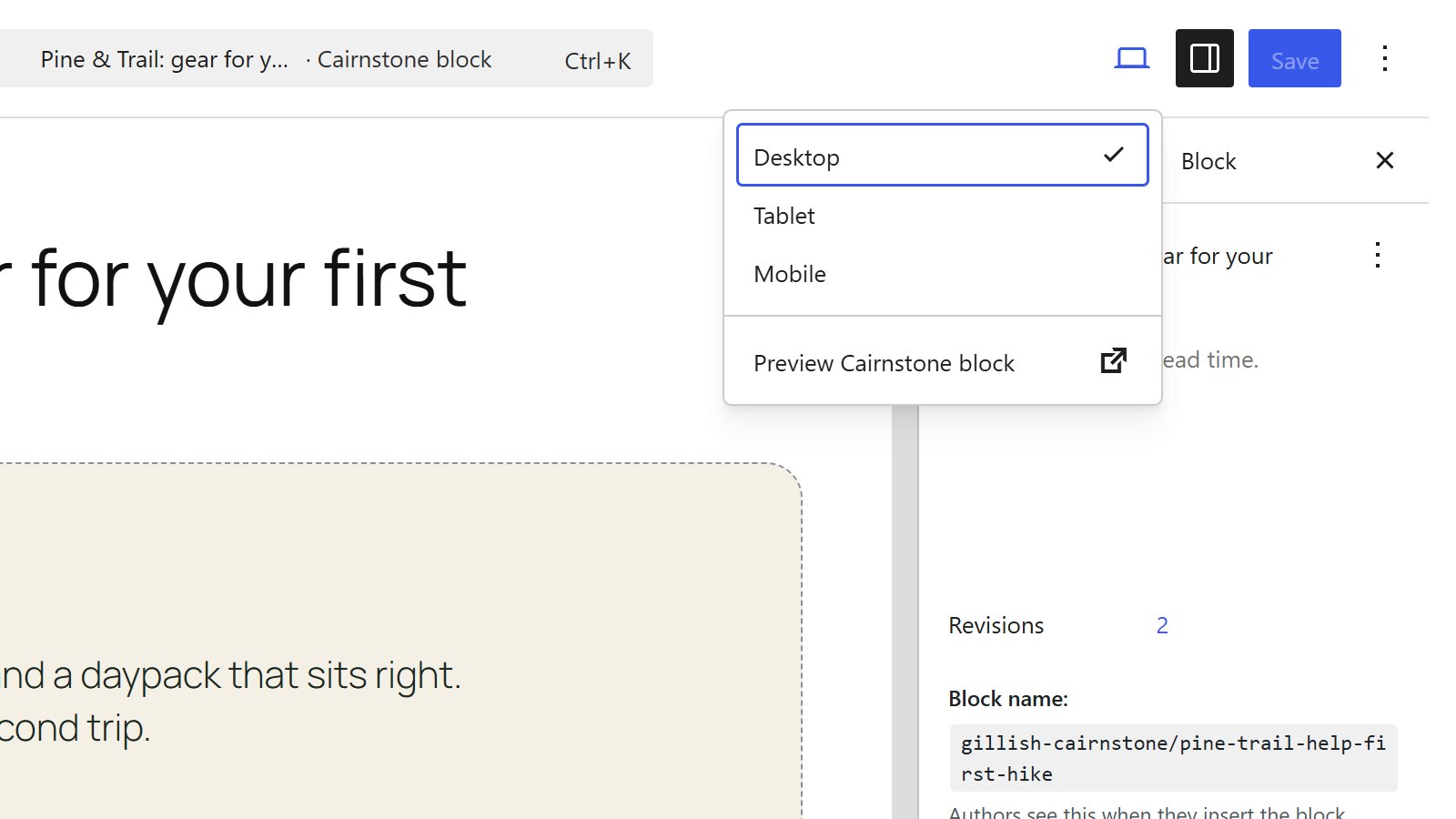
To see the block on a real page in a new tab, open the View menu at the top of the editor and click Preview Cairnstone block, or click Preview live in the sidebar. Save the block first: until it is saved, the menu entry reads Preview Cairnstone block (save first), and pointing at Preview live says “Save the post to preview.”
Style it and set who sees it
In the Block workspace, the sidebar holds Cairnstone’s panels for the look of each part, who sees it, what it does on a click, and, on most blocks, what search engines read. See Learn every setting in Cairnstone’s block sidebar.
Next, read Learn every setting in Cairnstone’s block sidebar.