The Read More block A piece of a page, such as a paragraph, a picture or a button. In WordPress you build a page by putting blocks one after another. clips a long stretch of content to a set height, with a Read more button that opens the rest. See it working on the Read More page.
Add a Read More
Add the Read More block where you want it.
Put the long content inside it, in place of the starting paragraph.
In the Settings tab, set the Collapsed height (px).
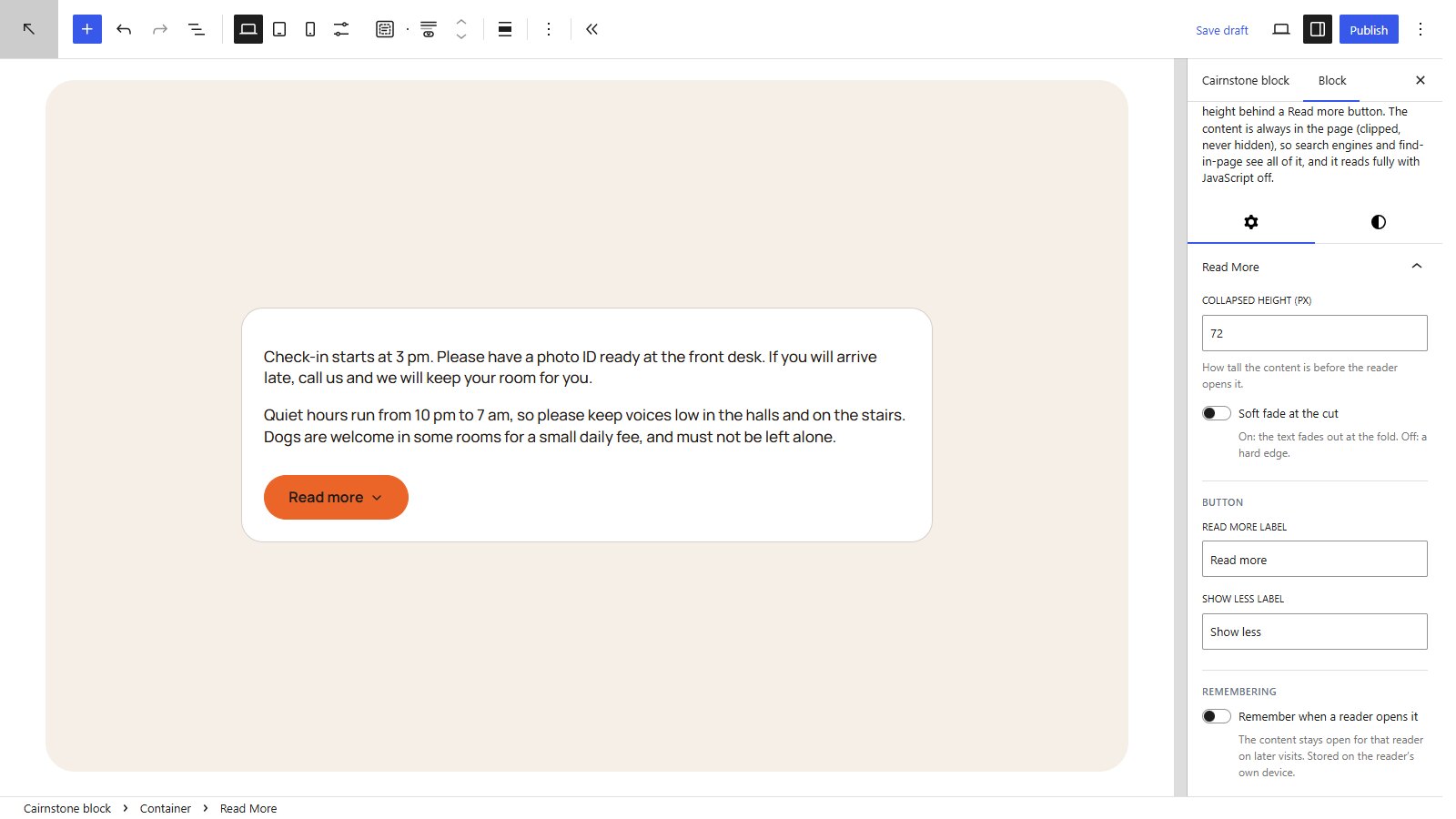
The Read More settings
- Collapsed height (px): how tall the content is before the reader opens it, 200 to start.
- Soft fade at the cut is on to start: the text fades out at the fold. Off, it has a hard edge.
- Under Button, the Read more label and the Show less label.
Colours and shape
Where you set the look depends on where you edit the block. In a normal post or page, the Styles tab has WordPress’s own controls: colour, typography, padding and margin, and border. In a saved Cairnstone block, under Cairnstone → Blocks, the Styles tab has Cairnstone’s full set: colour (a ready-made set or your own), typography, border, shadow, filters, and size and spacing, each for the normal state and for hover, focus, pressed and switched off.
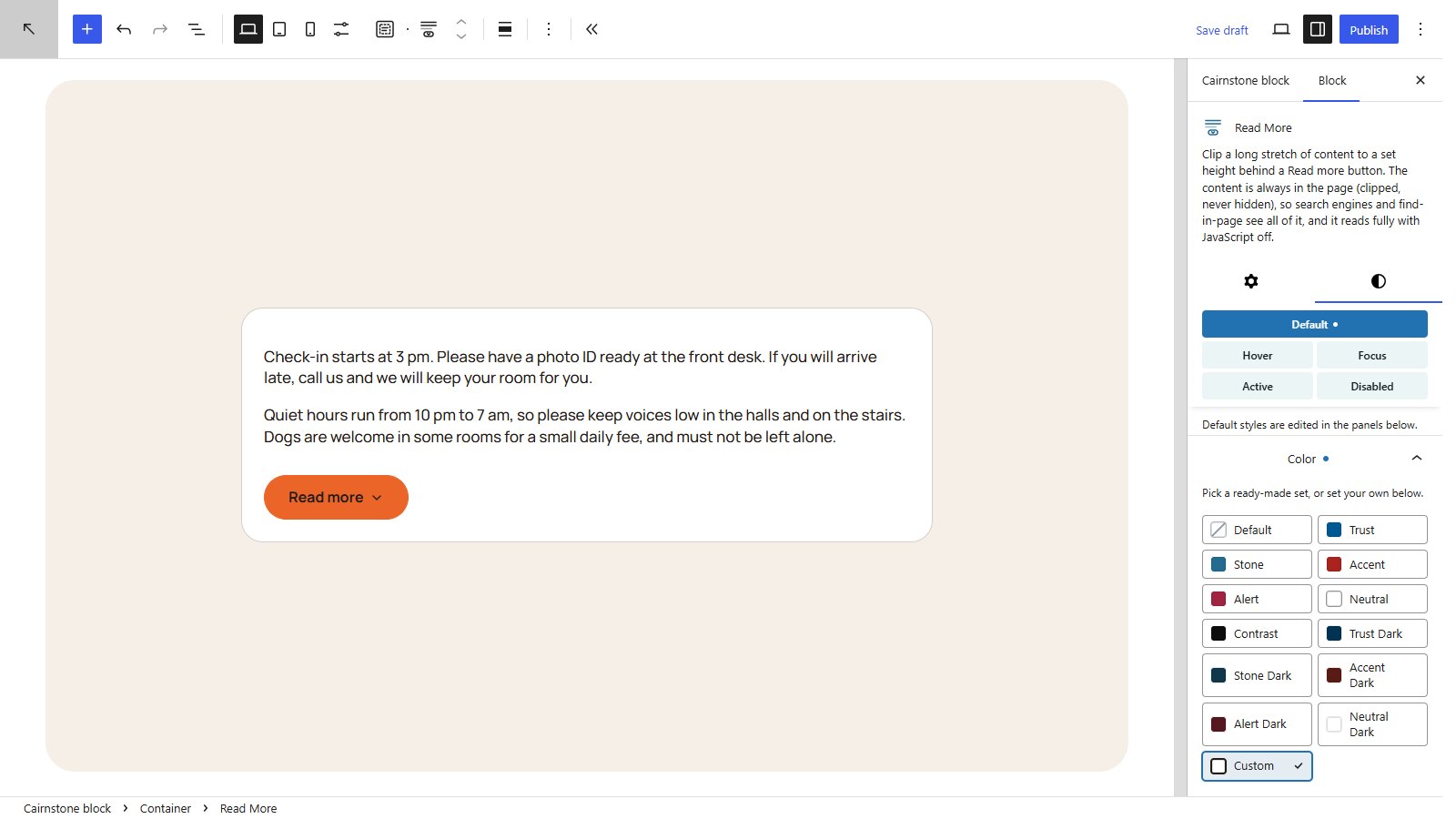
What visitors get
A real Read more button that tells screen readers A program that reads the screen aloud, for people who cannot see it well. They move around the page with the keyboard and hear what is there. whether the content is open. A press opens the content, and the button becomes Show less.
Next, read Let content appear as visitors scroll.