The Video block A piece of a page, such as a paragraph, a picture or a button. In WordPress you build a page by putting blocks one after another. plays a video from your media library or from another site, behind a picture until a visitor presses play. See it working on the Video page.
Add a video
Add the Video block where you want it.
Press Upload or pick a video file, or paste a link in Video link or embed code and press Use this video.
Under the video, Add a caption… takes a line of text.
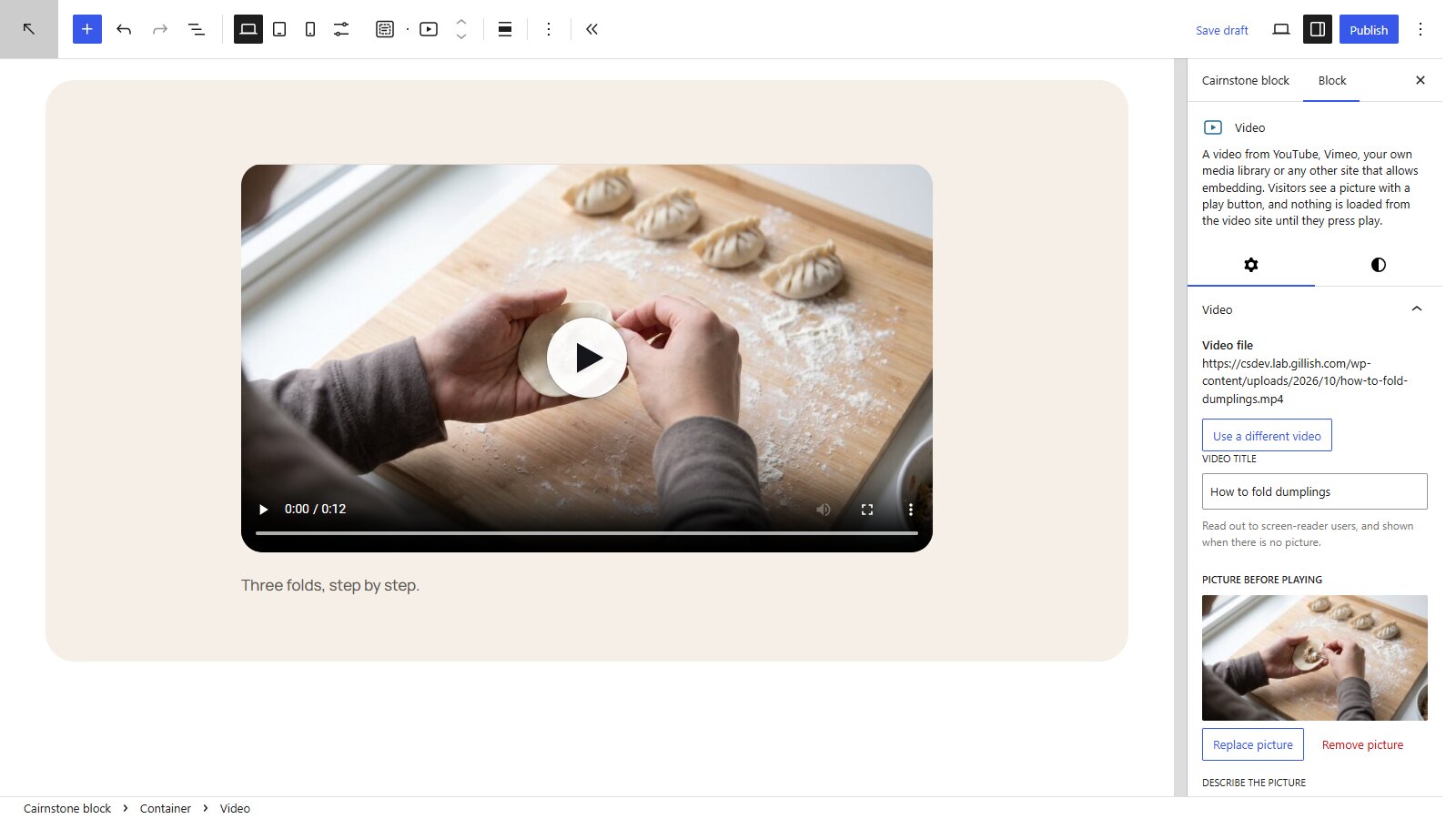
Title and picture
- Video title: the file’s title to start. It is read out to screen reader A program that reads the screen aloud, for people who cannot see it well. They move around the page with the keyboard and hear what is there. users, and shown when there is no picture.
- Picture before playing: the picture shown until play, with Describe the picture for visitors who cannot see it. Leave it empty if the title already says it.
- Use a different video swaps the video.
Playing
- Player: The video site’s own player (the default), Cairnstone player, or Background video (no player).
- Aspect ratio: Match the video (the default), Square (1:1), Standard (4:3), Widescreen (16:9), Panoramic (21:9), Portrait (3:4), Classic (3:2), Classic Portrait (2:3), Tall (9:16) or Custom.
- Start at: minutes and seconds, such as 1:30. Leave it empty to start at the beginning.
- Pause other videos when this one starts is on to start. Play again from the start when it ends is off.
- Start by itself, without sound is off to start. Browsers only let a video start by itself when it is silent.
- Load before play: Automatic (recommended) to start, or Nothing, Only its length and size, or As much as the browser wants. More loads the video sooner, but costs data on every visit, even when nobody plays it.
Audio description
An audio description is a version of the video where a voice tells what happens in the picture. Add one, and visitors get an Audio description button under the video. Pressing it switches to the described version at the same point in the video. Pressing it again switches back.
- In the Settings tab, the Video panel has a part called Audio description, after the questions.
- For a YouTube video, paste the link to the described version in Link to the described version on YouTube. For a Vimeo video, use Link to the described version on Vimeo. The described version must be on the same site as the main video: a Vimeo link for a YouTube video is ignored.
- For a video file from your media library, pick the described version from the media library too.
- A background video has no audio description.
Questions and Gillish Core
With Gillish Core, which is free, its statistics show how often each video is played. Questions in a video are counted only when the video’s Name of this step is filled in, under the questions in the Settings tab.
Colours and shape
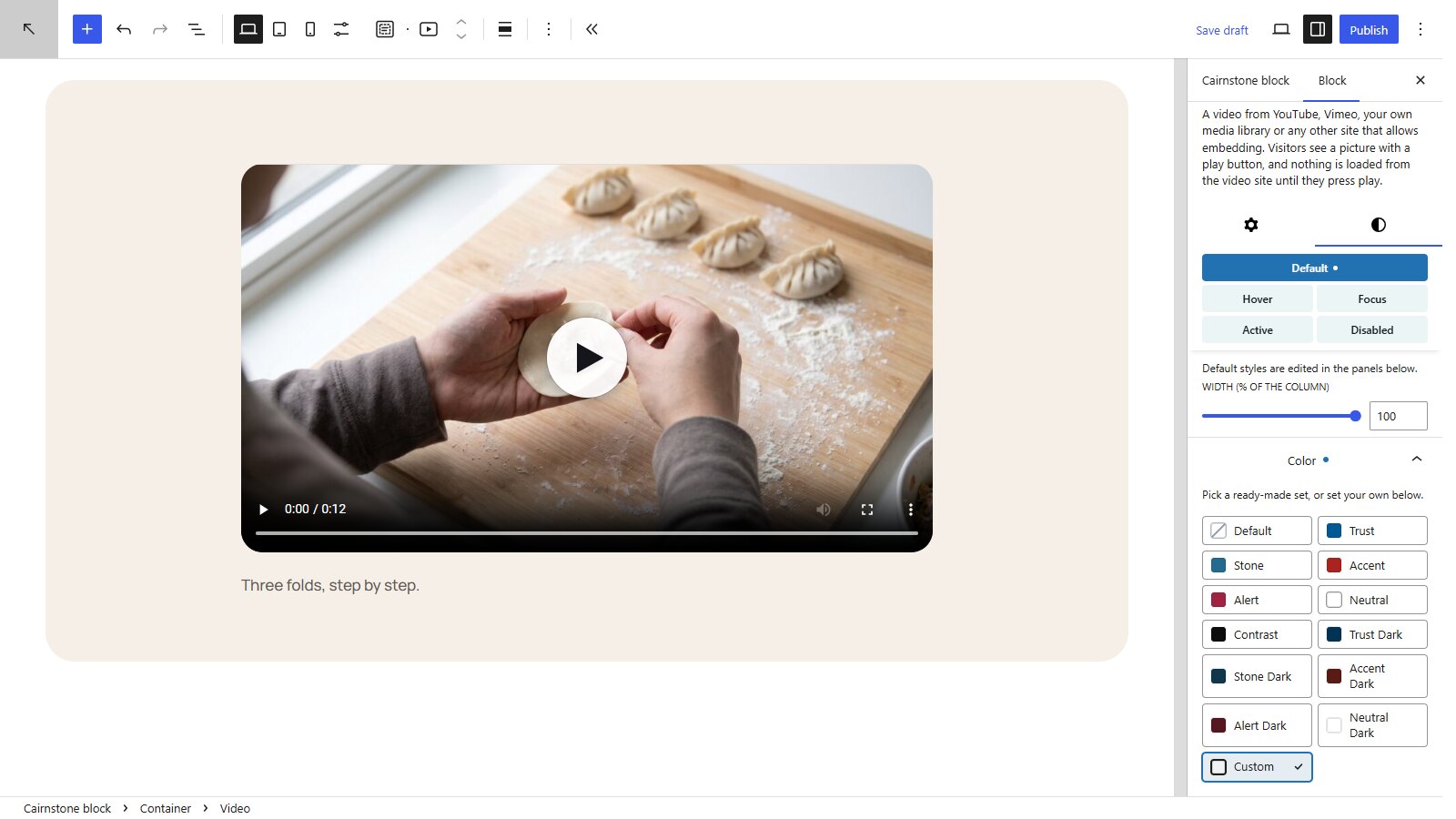
Where you set the look depends on where you edit the block. In a normal post or page, the Styles tab has WordPress’s own controls: colour, typography, padding and margin, and border and shadow. In a saved Cairnstone block, under Cairnstone → Blocks, the Styles tab has Cairnstone’s full set: colour (a ready-made set or your own), typography, border, shadow, filters, and size and spacing, each for the normal state and for hover, focus, pressed and switched off.
What visitors get
The video keeps its shape on the page. None of a video file from your media library is loaded before a visitor presses play.
Screen readers hear the Audio description button as pressed or not pressed. A video without a described version has no button and loads nothing extra.