The Tabs block A piece of a page, such as a paragraph, a picture or a button. In WordPress you build a page by putting blocks one after another. sorts content into tabs, so a page stays short and a visitor opens only what they want. A tab can hold any blocks: text, pictures, buttons or a form. This one is a real Tabs block. Press its tabs.
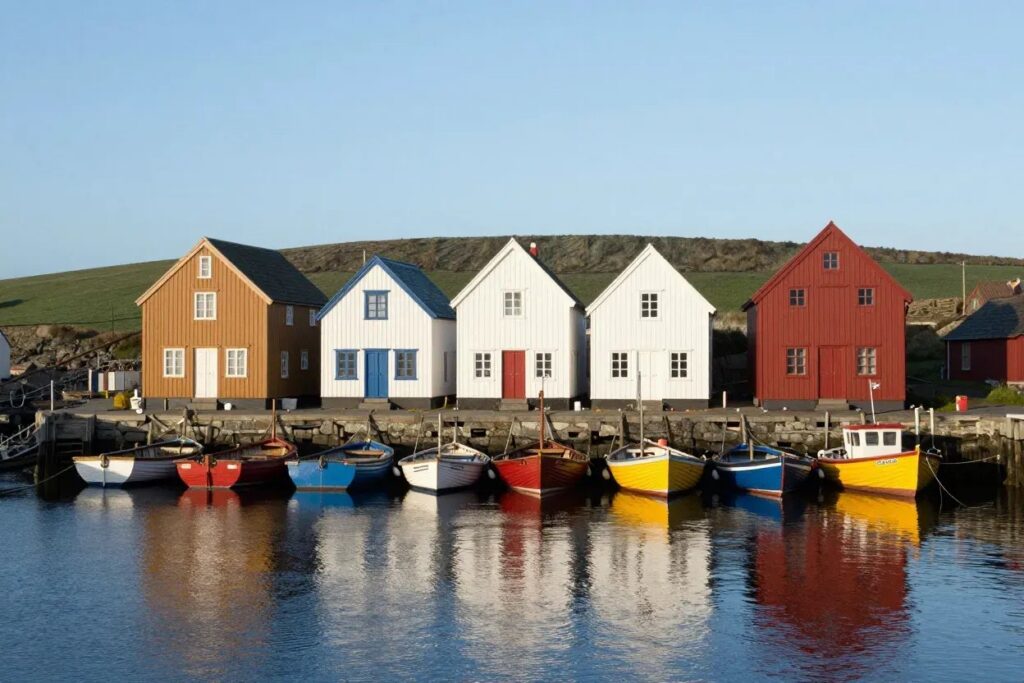
Start at the water
The boats go out at dawn and are back by noon. Buy your lunch straight off the quay.
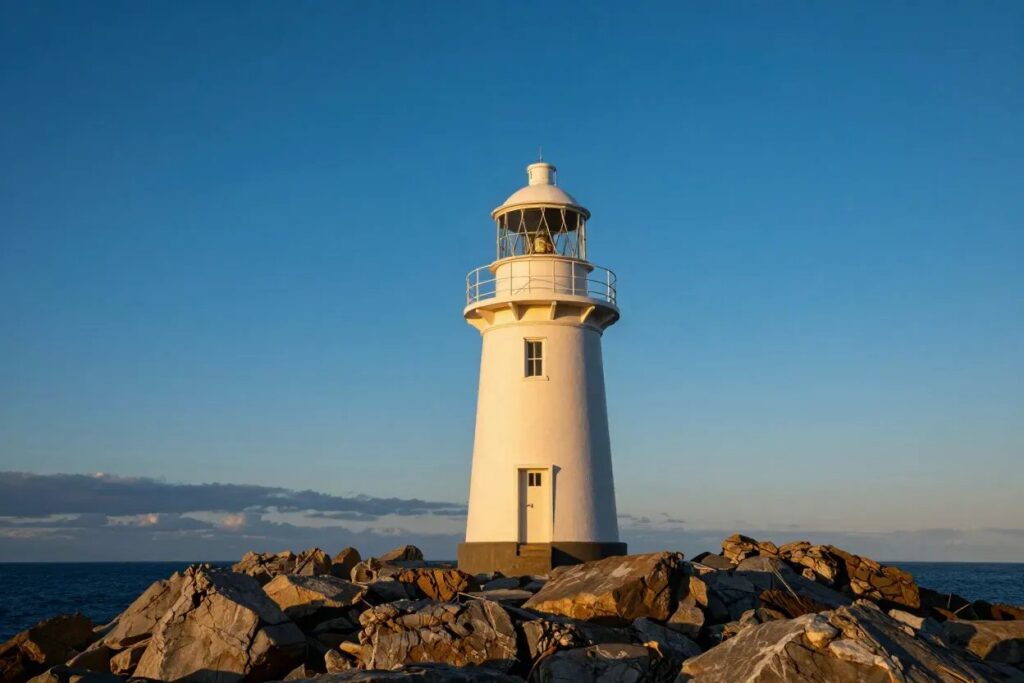
Walk out to the point
It takes an hour along the shore. Bring a jacket: the wind is always stronger out here.
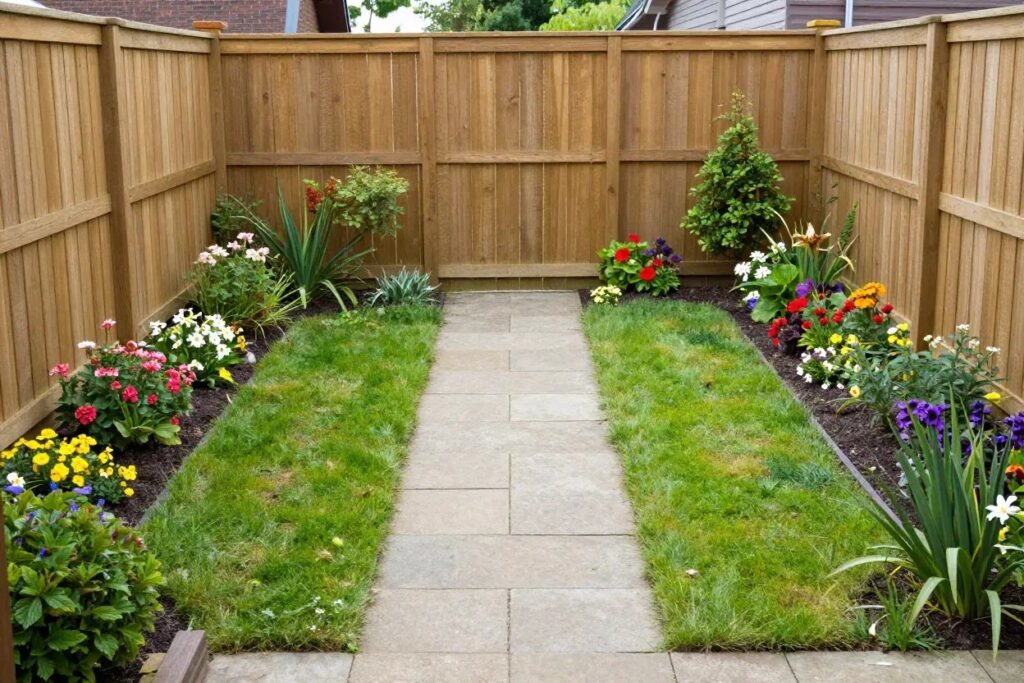
Rest in the garden
The old walled garden is open to everyone. Find the bench at the far end, and stay a while.
Add tabs
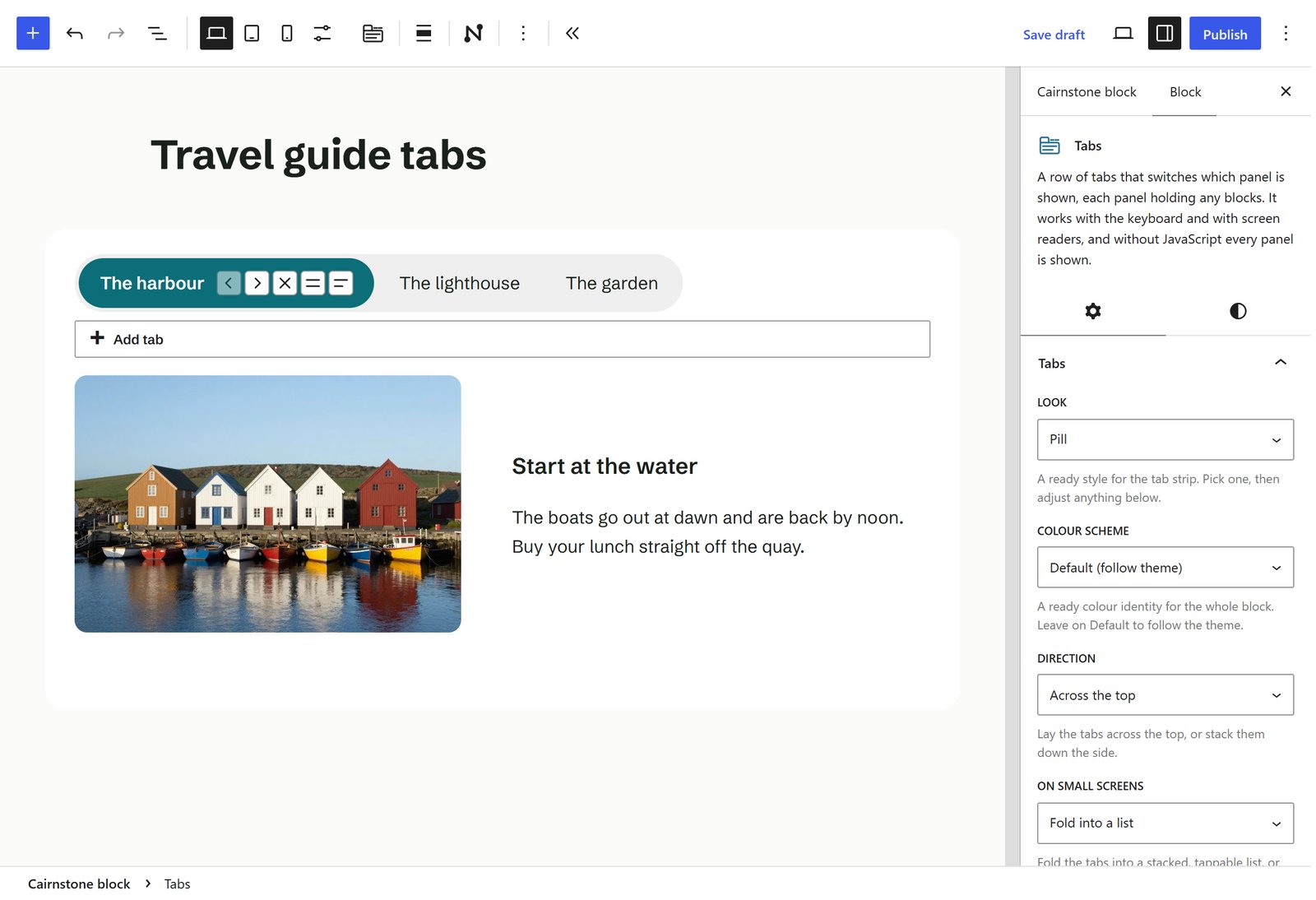
Add the Tabs block where you want it. It starts with two tabs.
Type each tab’s name, and add its content under it.
Press Add tab for more. Each tab can move left or right, or be removed.
The Tabs settings
All of these are in the Settings tab. Every example here is a real block, so try them.
Four looks
Look gives the row of tabs a ready style. Custom, the choice to start with, is a plain line under the tabs.
Underline marks the open tab with a line under it. It suits text that belongs together, such as this recipe:
Four eggs, 200 g of sugar, 200 g of flour and a lemon.
Whisk the eggs and sugar until pale. Fold in the flour and the lemon’s zest, and bake for 30 minutes.
Keeps for four days in a tin. Freeze it for up to a month.
Pill gives each tab a round shape, and the open tab is filled. It works well for a short choice:
12 a month
Stop whenever you like.
120 a year
Two months for free, paid once.
Folder turns the content into a card, with the tabs joined to it:
Light steel in three sizes. It has mounts for a rack and mudguards.
Strong 28-inch wheels with wide tyres that handle gravel.
Disc brakes front and rear, for a sure stop in the rain.
Minimal leaves only the words, and the open tab gets bold and underlined:
Open from 8 to 18.
Open from 10 to 16.
Closed. See you on Monday.
Eight colour sets
Colour scheme starts on Default (follow theme). Pick one of the eight sets, and the whole block gets a card in those colours. A set works with any look, as you see here. Each one is made to stay easy to read.
Oxblood Velvet
Soft and dark, for the cold months.
Dry and fresh, with fish.
For a day worth marking.
Midnight Amethyst
Slow classes for every level.
Small groups and a strong core.
Voltage
Heavy lifts, three days a week.
Short, hard rounds with a coach.
Harvest Table
Baked each morning in a stone oven.
Order two days ahead.
Abyssal Teal
Your first dive, in calm water.
Wrecks and night dives.
Cobalt Signal
One site and every block.
All your sites, in one place.
Harvest Table Dark
Soup, bread and a salad.
Three courses from the wood fire.
Cobalt Signal Dark
We draw it first.
Then we make it real.
Across the top or down the side
Direction is Across the top to start. Down the side puts the tabs in a column beside the content, which leaves room for long names or many tabs.
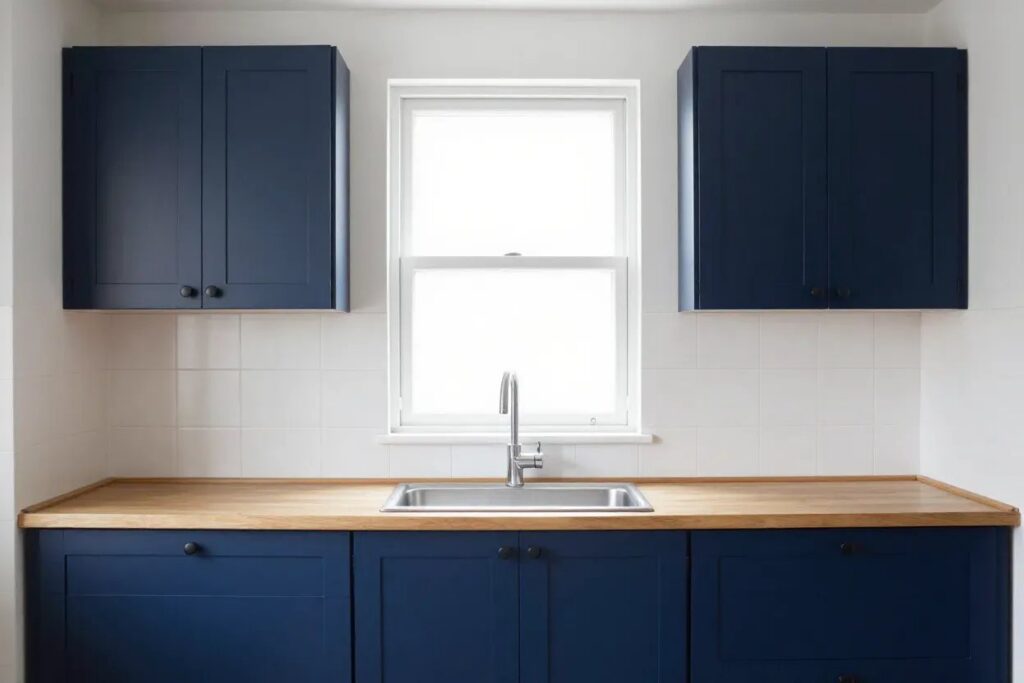
New cupboards and a worktop, done in two weeks.
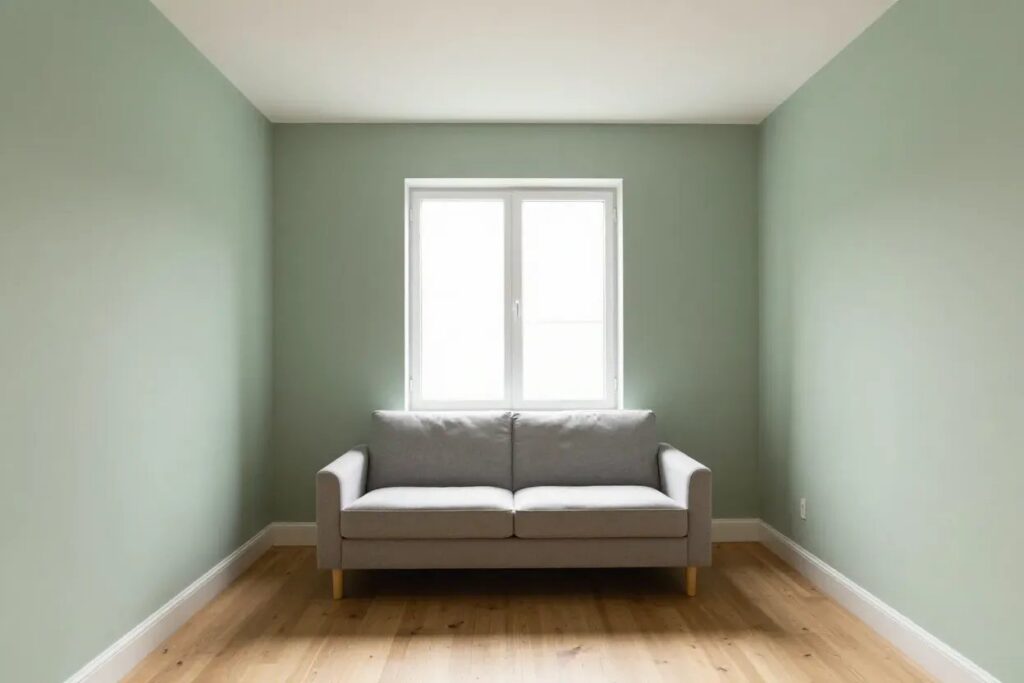
Fresh walls, a sanded floor and better light.
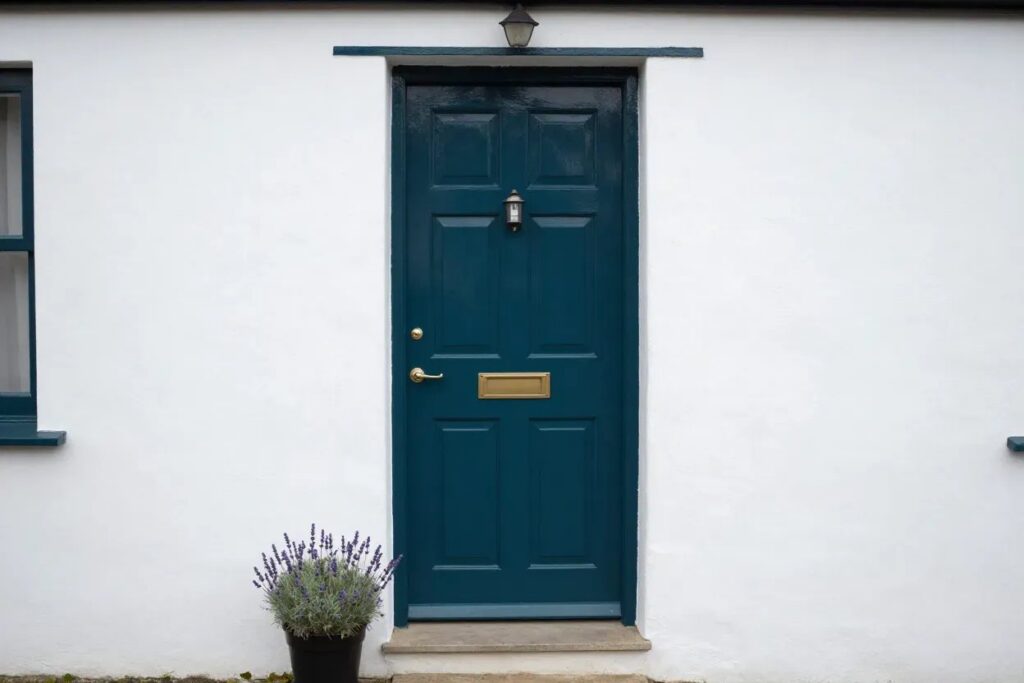
Stripped, painted and fitted with new brass.
On small screens
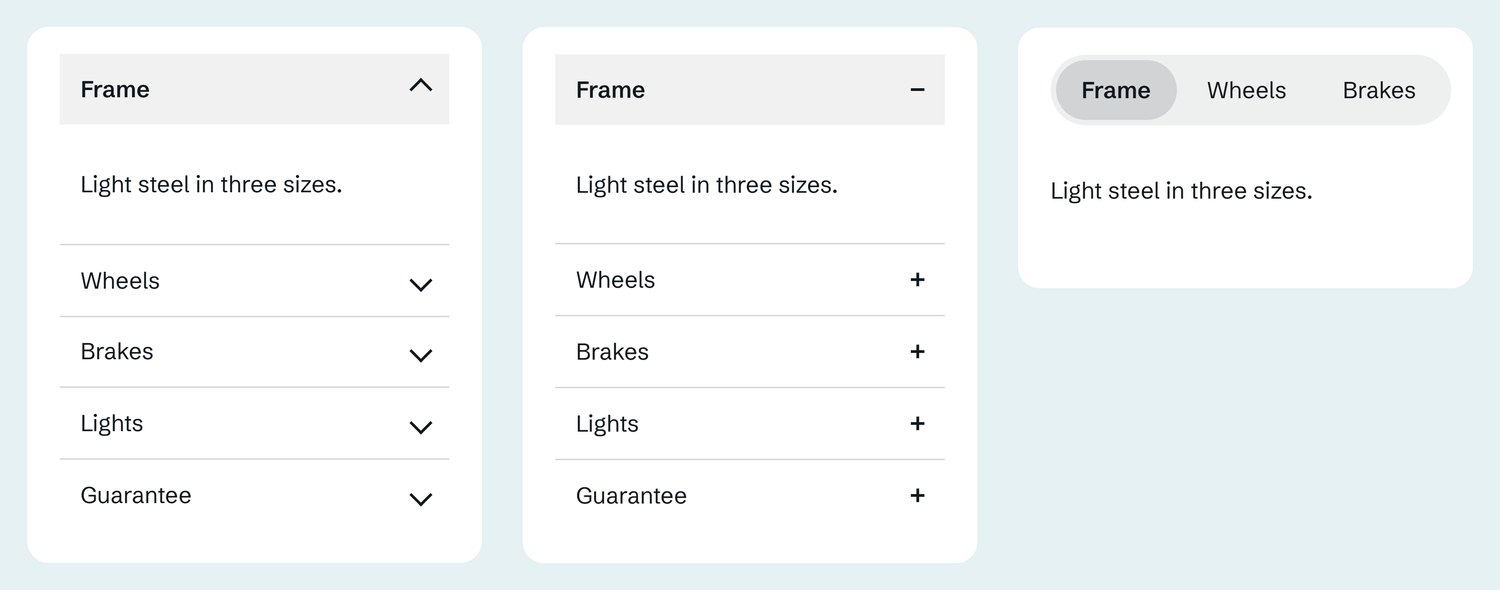
On small screens has two choices. Fold into a list, the choice to start with, turns the tabs into a list that opens one row at a time. Keep as tabs keeps the row, and a visitor swipes it sideways.
Symbol when folded is the mark that says a row opens: Chevron (default), Plus and minus or None.
A link that opens one tab
Switch on Shareable tab links, and a link can open a chosen tab. Click a tab, and under This tab give it a short Link word, such as sizes. Add ?tab=sizes to the page’s address to send a visitor straight there. With no link word, use the tab’s number.
A warm wool jumper, knitted in one piece.
Small, medium, large and extra large.
Free over 50, and with you in three days.
Try it: open the Sizes tab or the Delivery tab.
Show a tab that cannot be opened
Click a tab, and switch on Disabled under This tab. The tab stays in the row, but a visitor cannot open it. At least one tab must stay open.
Learn the basics in six evenings.
Bring your own project, and get help with it.
This course is full.
Colours and shape
In a normal post or page, the Styles tab has WordPress’s own controls: colour, typography, padding and margin, and border.
In a saved Cairnstone block, under Cairnstone → Blocks, you can go much further. The Styles tab has Cairnstone’s full set: colour, typography, border, shadow, filters, and size and spacing, each for the normal state and for hover, focus, pressed and switched off. Each tab also gets two small buttons: Style the tabs sets the look of all the tabs, and Style the open tab sets the open one on top of that.
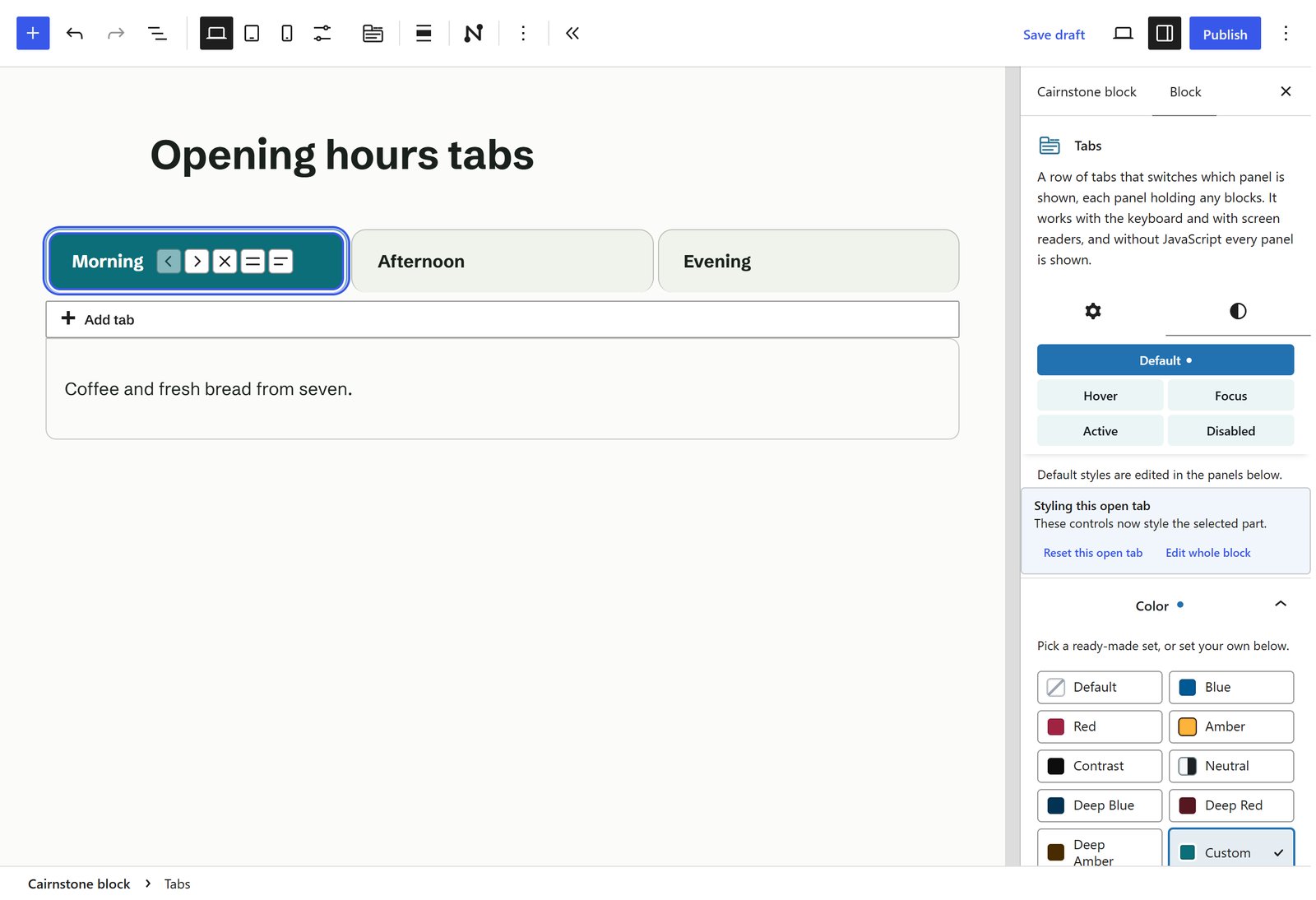
Here are three ideas made that way. A soft bar, where the open tab is a raised card:
A short summary, with room to breathe.
What your customers say about it.
The answers people ask for most.
Big words, and no box at all:
Roasted here, in small batches.
Loose leaves from three gardens.
Dark, thick and not too sweet.
Full buttons, with the open tab in a strong colour:
Coffee and fresh bread from seven.
Soup, sandwiches and a slice of cake.
Small plates, and music on Fridays.
What visitors get
A click on a tab opens its content and hides the others. The arrow keys move between the tabs, and a screen reader A program that reads the screen aloud, for people who cannot see it well. They move around the page with the keyboard and hear what is there. hears them as tabs. With no script, every tab’s content shows on the page, so search engines can read it all.
Next, read Introduce your team.