The Sticky CTA Bar block A piece of a page, such as a paragraph, a picture or a button. In WordPress you build a page by putting blocks one after another. is a slim bar fixed to the edge of the window, with one short line and one button. See it working on the Sticky CTA Bar page.
Add a sticky bar
Add the Sticky CTA Bar block to the page.
Type over the line, and give the Button its words and link.
In the Settings tab, choose where and when it shows.
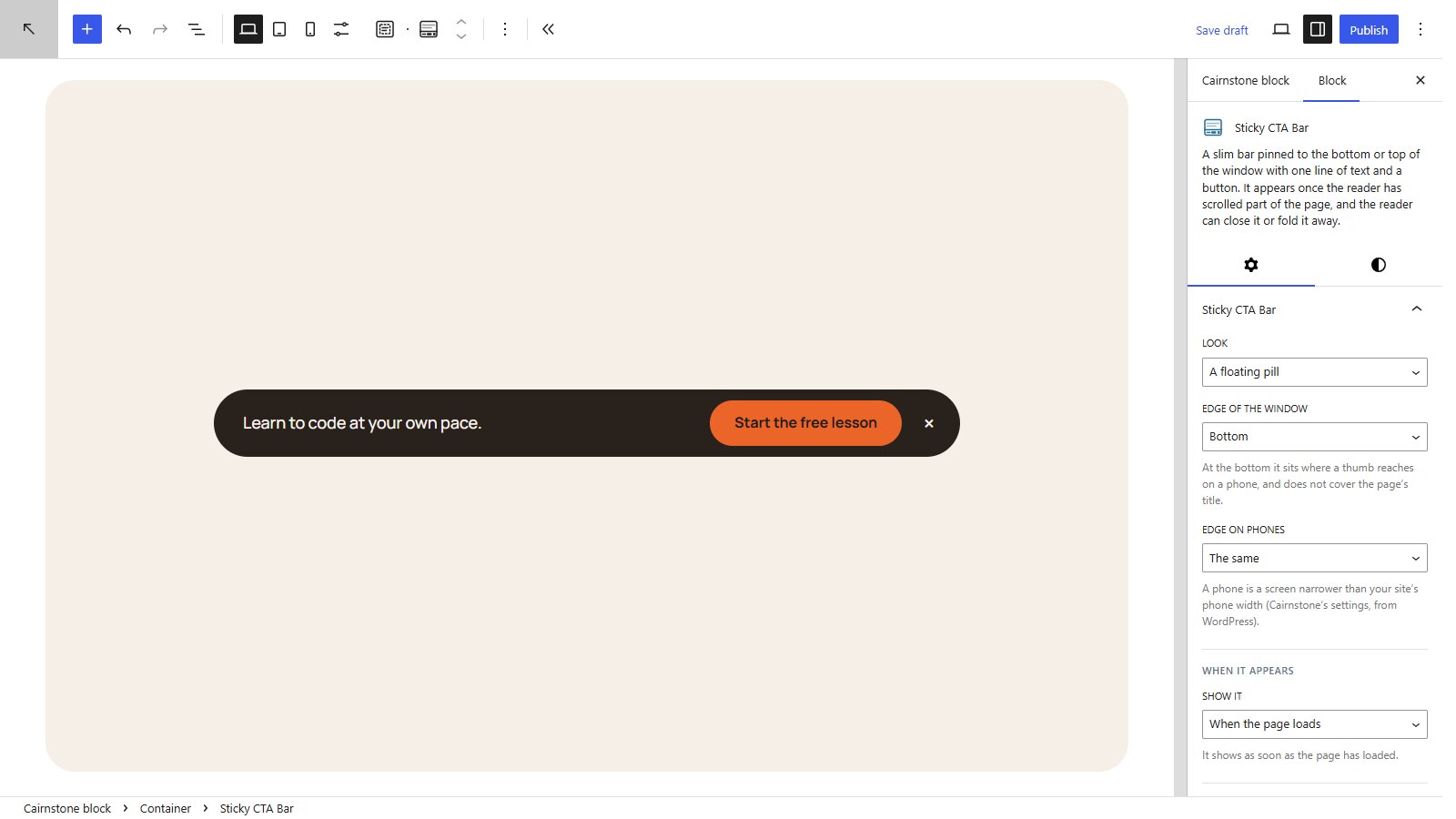
The line and the button are ordinary blocks. The × in the editor shows where the close control sits.
The Sticky CTA Bar settings
- Look: A bar across the window (the default) or A floating pill.
- Edge of the window: Bottom (the default) or Top. At the bottom it sits where a thumb reaches on a phone, and does not cover the page’s title. Edge on phones: The same (the default), Bottom or Top.
- Show it: After the reader scrolls part of the page (the default), When the page loads, After a number of seconds, or When a block of your choice has scrolled away. How far down the page (%): 25 to start.
- The reader can: Close it (the default) or Fold it to a small tab. Remember that for: The rest of the visit (the default), or a number of days. New wording or a new link counts as a new bar and shows again.
Colours and shape
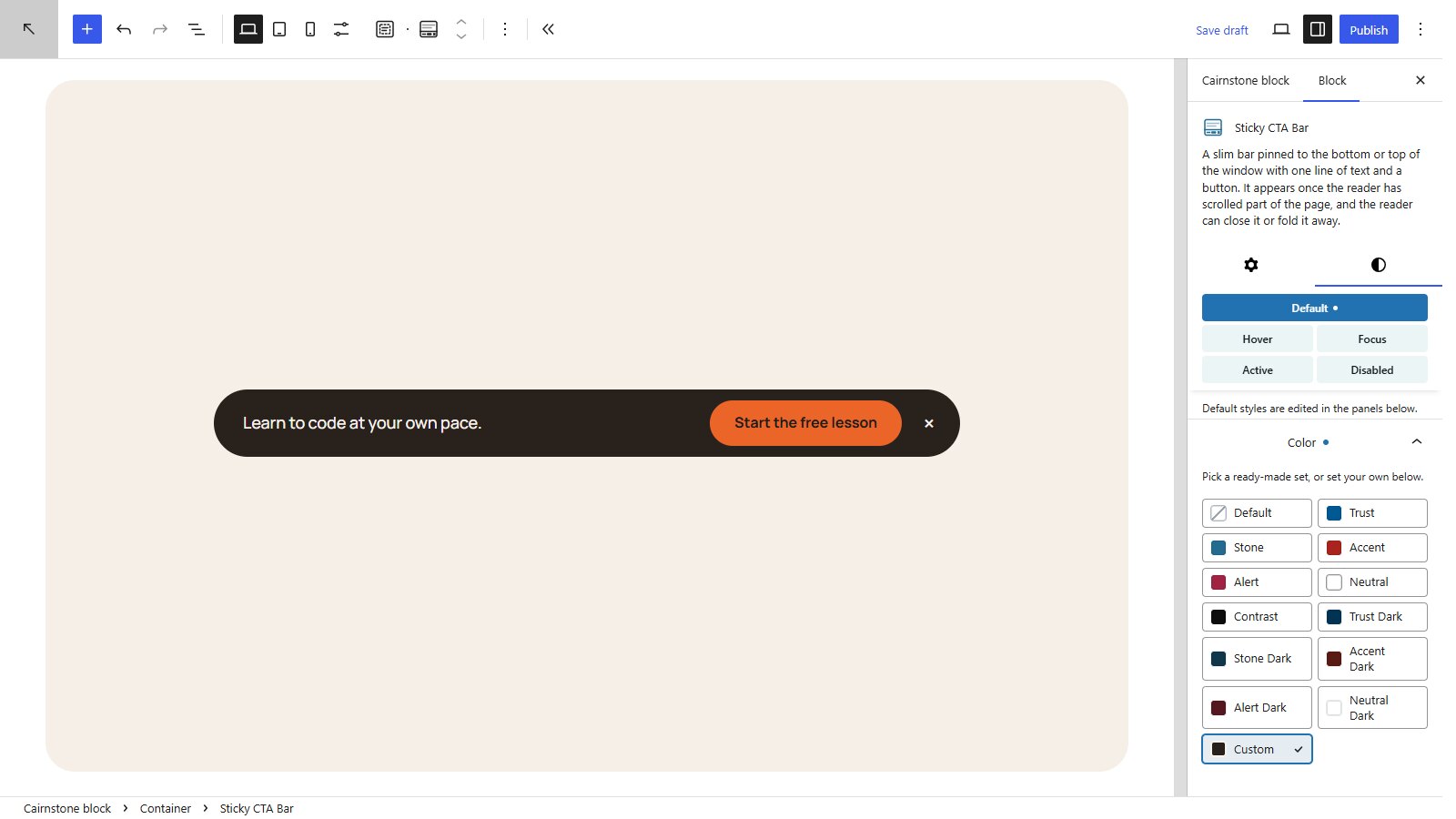
Where you set the look depends on where you edit the block. In a normal post or page, the Styles tab has WordPress’s own controls: colour, typography, padding and margin, and border. In a saved Cairnstone block, under Cairnstone → Blocks, the Styles tab has Cairnstone’s full set: colour (a ready-made set or your own), typography, border, shadow, filters, and size and spacing, each for the normal state and for hover, focus, pressed and switched off.
What visitors get
A bar fixed to the edge of the window, across its full width, named by its line for screen readers A program that reads the screen aloud, for people who cannot see it well. They move around the page with the keyboard and hear what is there., with the button and a Close button.
Next, read Give readers the short version first.