The Score Box block A piece of a page, such as a paragraph, a picture or a button. In WordPress you build a page by putting blocks one after another. shows a score as stars or other symbols, with the number beside it. See it working on the Score Box page.
Add a score
Add the Score Box block where you want it.
Type a label if you want one, such as Our score.
In the Settings tab, set the Score and the Top of the scale.
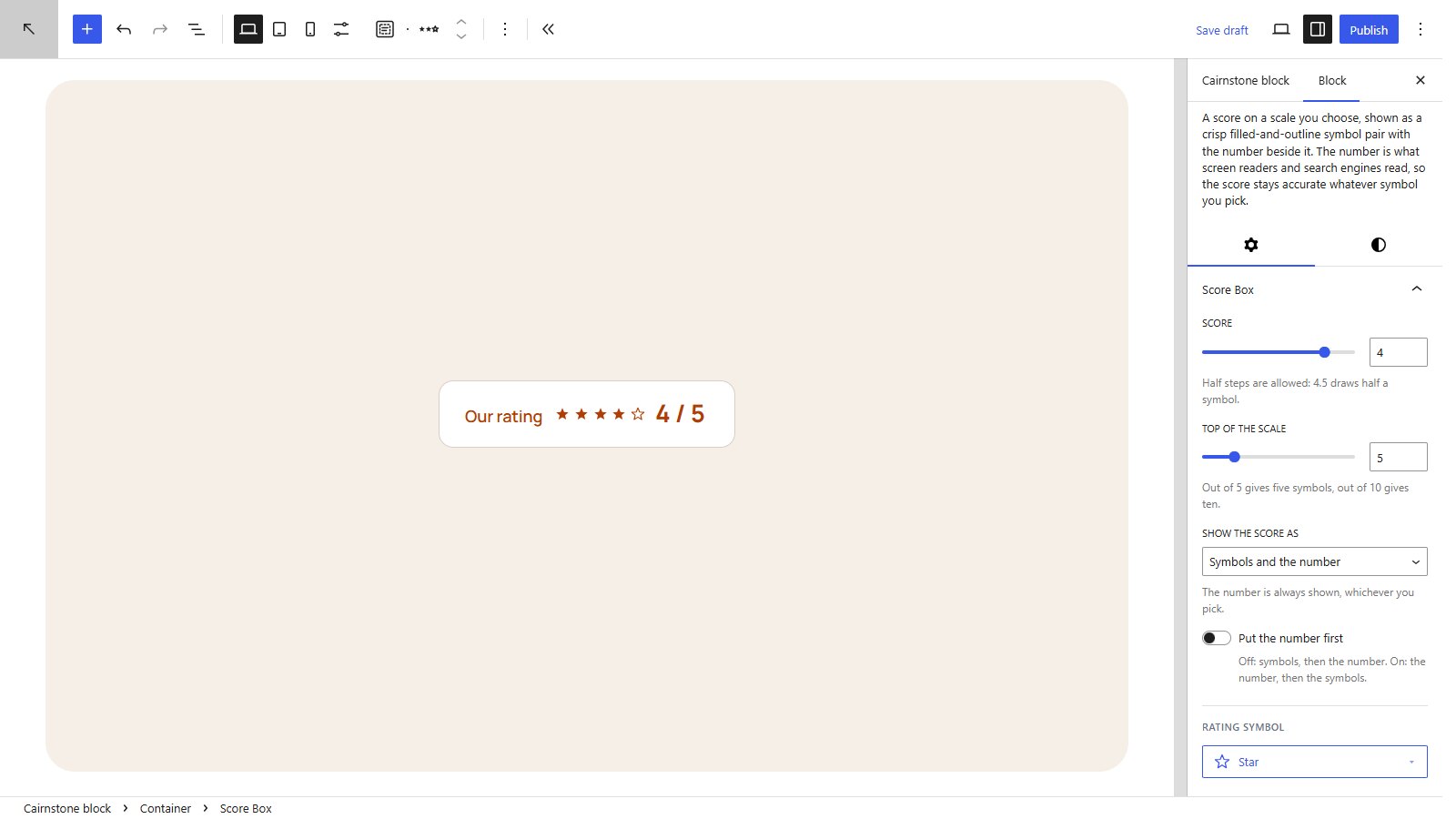
The Score Box settings
- Score: 4 to start, from 0 to the top of the scale. Half steps are allowed: 4.5 draws half a symbol.
- Top of the scale: 5 to start, from 1 to 20. Out of 5 gives five symbols, out of 10 gives ten.
- Show the score as: Symbols and the number (the default), The number only, or A percentage. The number is always shown.
- Put the number first (off to start). Off, the symbols come first.
- Rating symbol: Star to start, or another symbol from the picker.
Colours and shape
Where you set the look depends on where you edit the block. In a normal post or page, the Styles tab has WordPress’s own controls: colour, typography, padding and margin, and border. In a saved Cairnstone block, under Cairnstone → Blocks, the Styles tab has Cairnstone’s full set: colour (a ready-made set or your own), typography, border, shadow, filters, and size and spacing, each for the normal state and for hover, focus, pressed and switched off.
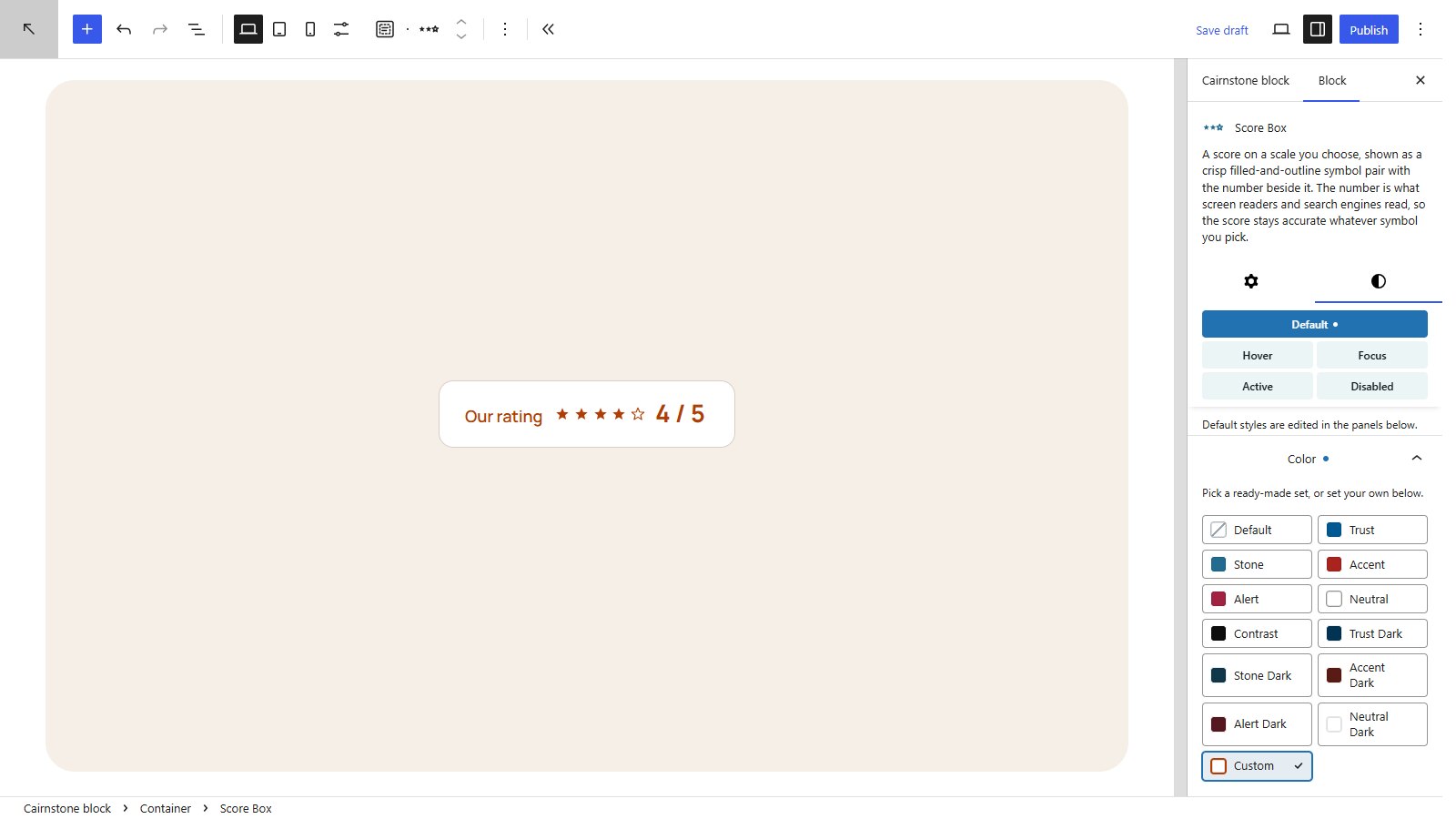
What visitors get
The label, the symbols and the score as real text, such as 7.5 / 10.
Next, read Divide a page into sections.