The Reveal block A piece of a page, such as a paragraph, a picture or a button. In WordPress you build a page by putting blocks one after another. wraps any blocks so they fade, slide or zoom into view when a visitor scrolls to them. See it working on the Reveal page.
Add a reveal
Add the Reveal block where you want it.
Put the blocks that should appear inside it, in place of the starting paragraph.
In the Settings tab, pick the Motion.
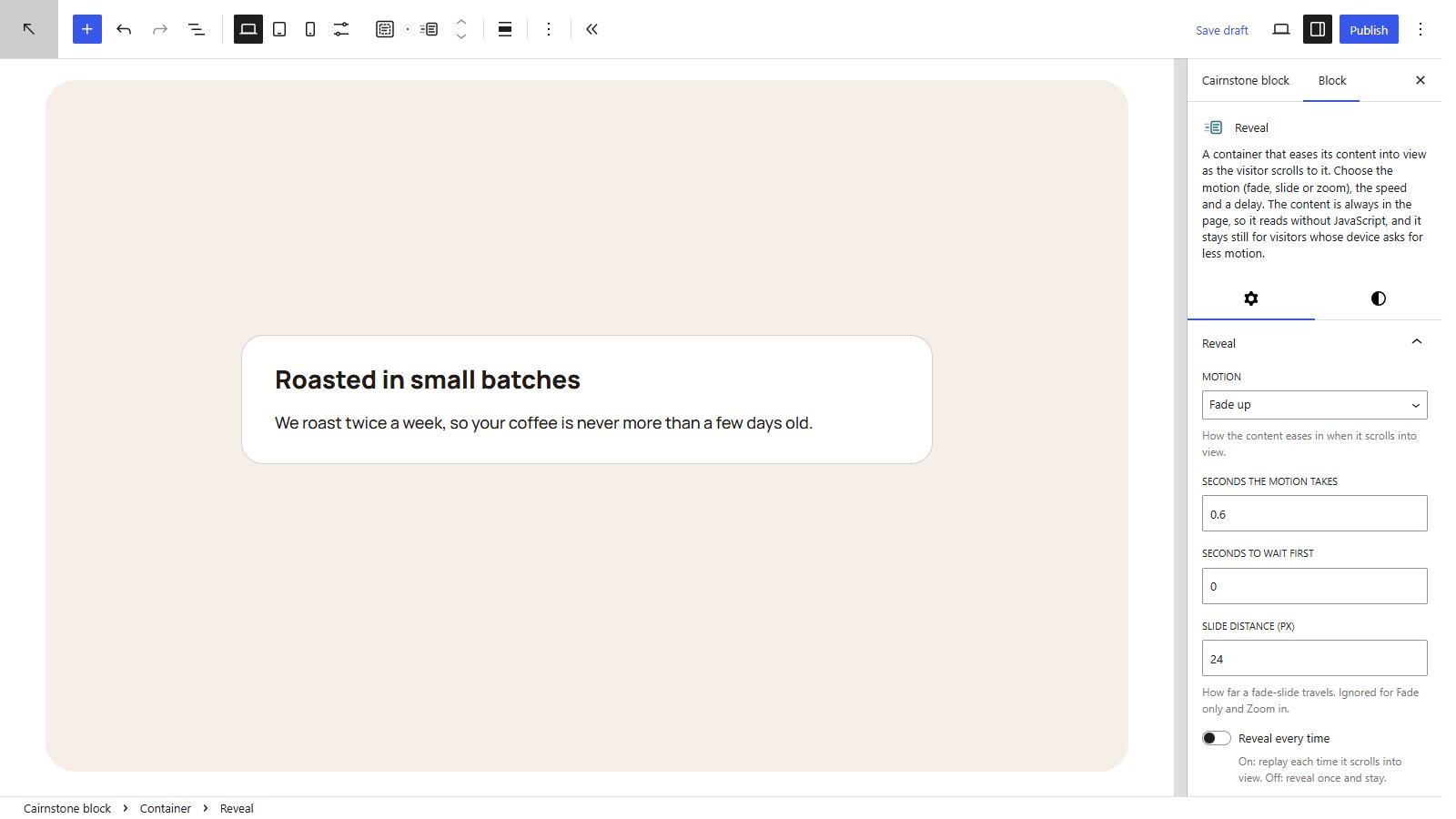
The Reveal settings
- Motion: how the content eases in. Fade up (the default), Fade down, Fade from left, Fade from right, Fade only or Zoom in.
- Seconds the motion takes: 0.6 to start. Seconds to wait first: 0 to start.
- Slide distance (px): how far a fade-slide travels, 24 to start. Fade only and Zoom in ignore it.
- Reveal every time (off to start). Off, the content appears once and stays. On, it plays again each time it scrolls into view.
- Colour scheme: Default (follow theme), or one of eight ready-made colour sets: Oxblood Velvet, Midnight Amethyst, Voltage, Harvest Table, Abyssal Teal, Cobalt Signal, Harvest Table Dark and Cobalt Signal Dark.
Colours and shape
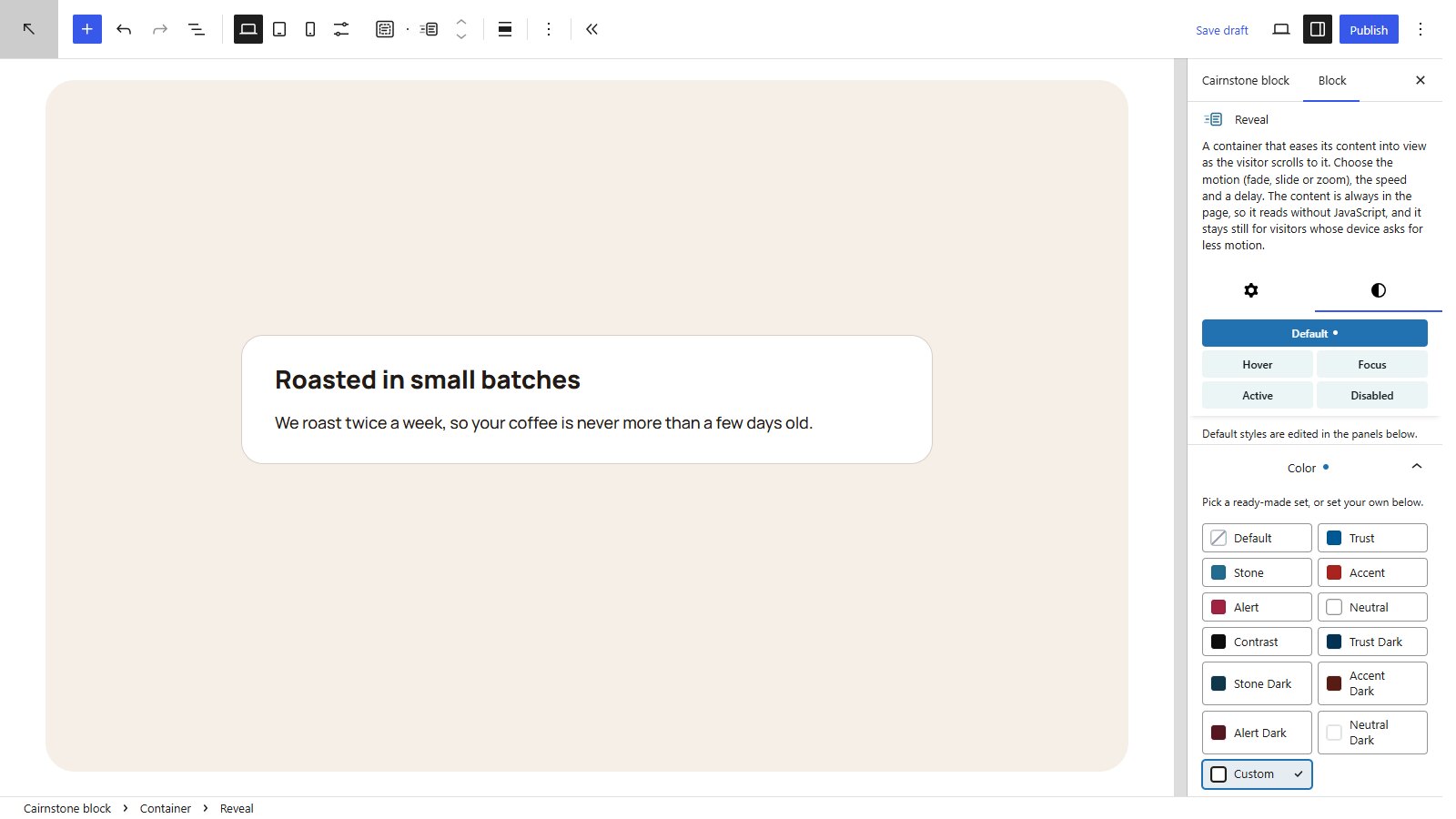
Where you set the look depends on where you edit the block. In a normal post or page, the Styles tab has WordPress’s own controls: colour, typography, padding and margin, and border. In a saved Cairnstone block, under Cairnstone → Blocks, the Styles tab has Cairnstone’s full set: colour (a ready-made set or your own), typography, border, shadow, filters, and size and spacing, each for the normal state and for hover, focus, pressed and switched off.
What visitors get
The content is on the page as text from the start, so it can be read and found by search engines. Once it has come into view, it is fully shown.
Next, read Sum up a product review.