The Disclosure block A piece of a page, such as a paragraph, a picture or a button. In WordPress you build a page by putting blocks one after another. is a short note that tells readers about affiliate links, or about a product you were given, lent or paid to review. See it working on the Disclosure page.
Add a disclosure
Add the Disclosure block near your links, or where readers see it before a review’s score.
In the Settings tab, pick the Template that fits your programme.
Edit the wording in the block itself, or write your own.
The templates are general examples, not legal advice. Check the disclosure rules for your own country before you publish.
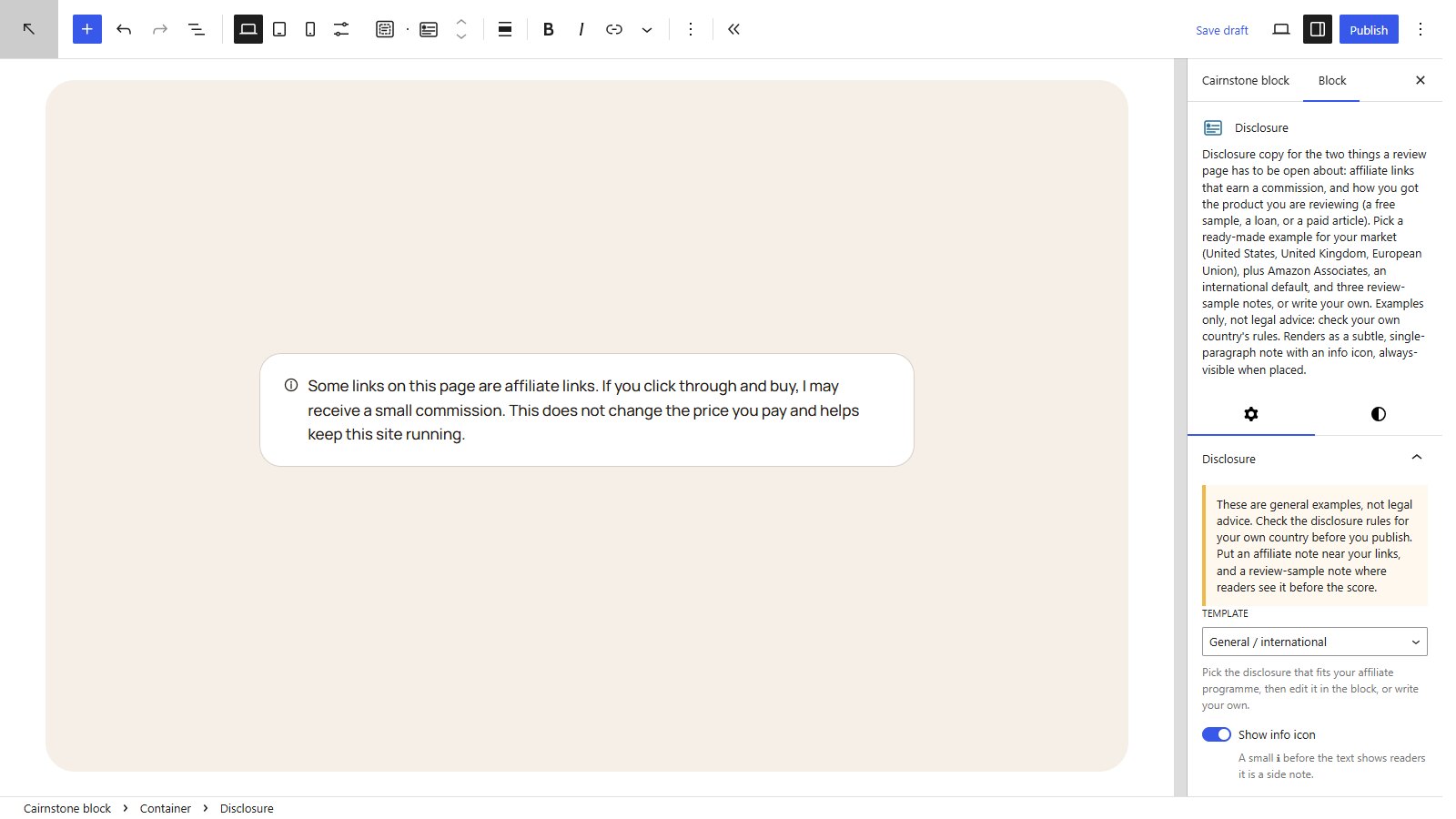
The Disclosure settings
- Template: General / international (the default), United States, United Kingdom, European Union, Amazon Associates, Review sample (free product), Review sample (loaned), Sponsored article, or Custom (write your own).
- Show info icon is on to start. A small ℹ before the text shows readers it is a side note.
Colours and shape
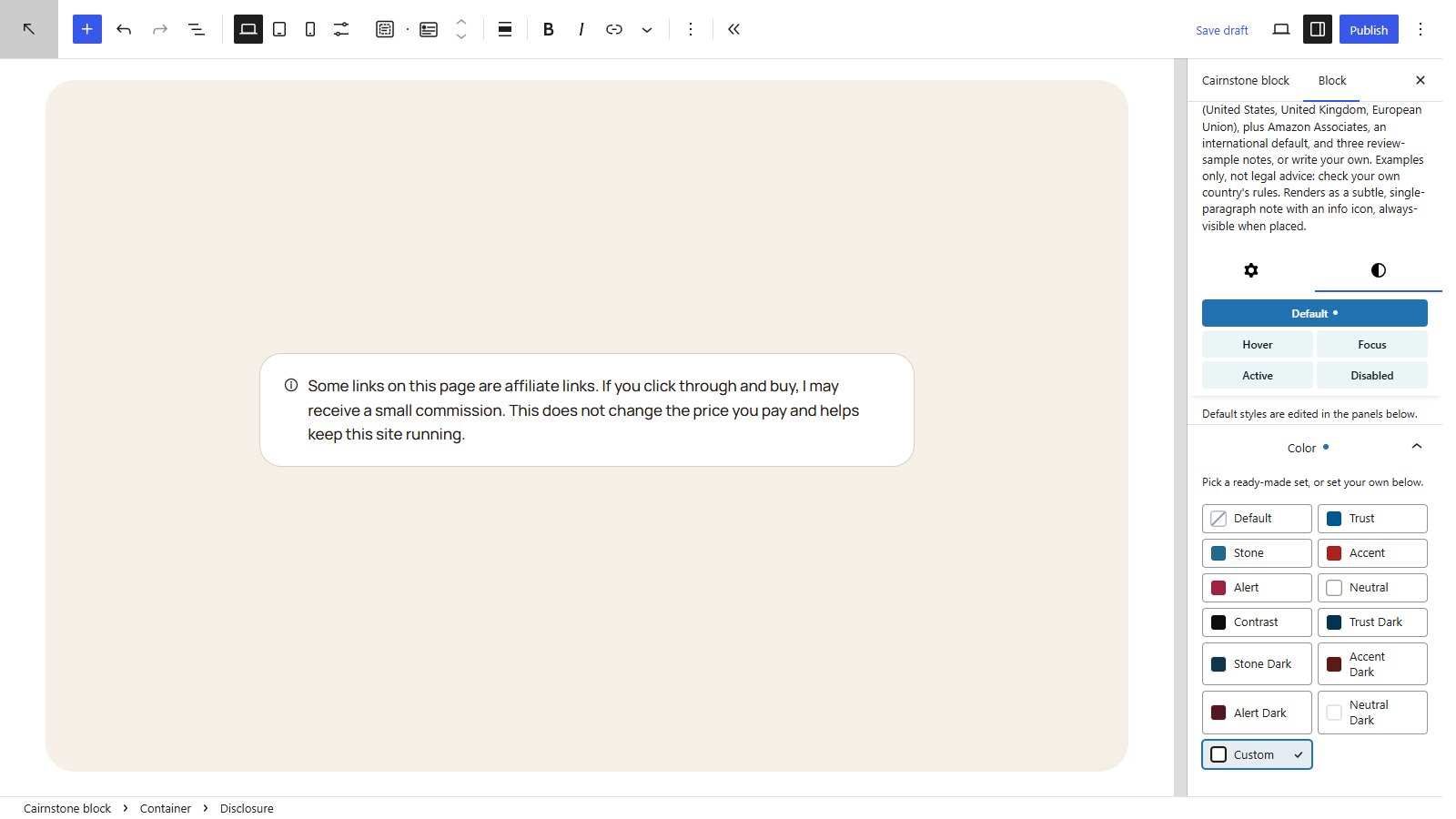
Where you set the look depends on where you edit the block. In a normal post or page, the Styles tab has WordPress’s own controls: colour, typography, padding and margin, and border. In a saved Cairnstone block, under Cairnstone → Blocks, the Styles tab has Cairnstone’s full set: colour (a ready-made set or your own), typography, border, shadow, filters, and size and spacing, each for the normal state and for hover, focus, pressed and switched off.
What visitors get
Screen readers A program that reads the screen aloud, for people who cannot see it well. They move around the page with the keyboard and hear what is there. read the box as a note, and the icon is hidden from them.
Next, read Show an offer with a code to copy.