The Counter block A piece of a page, such as a paragraph, a picture or a button. In WordPress you build a page by putting blocks one after another. shows one number with a label, such as how many people use your guides. The number counts up when a visitor scrolls to it. See it working on the Counter page.
Add a counter
Add the Counter block where you want it.
In the Settings tab, set Count to, the number it ends on.
Type the label under the number in the block itself.
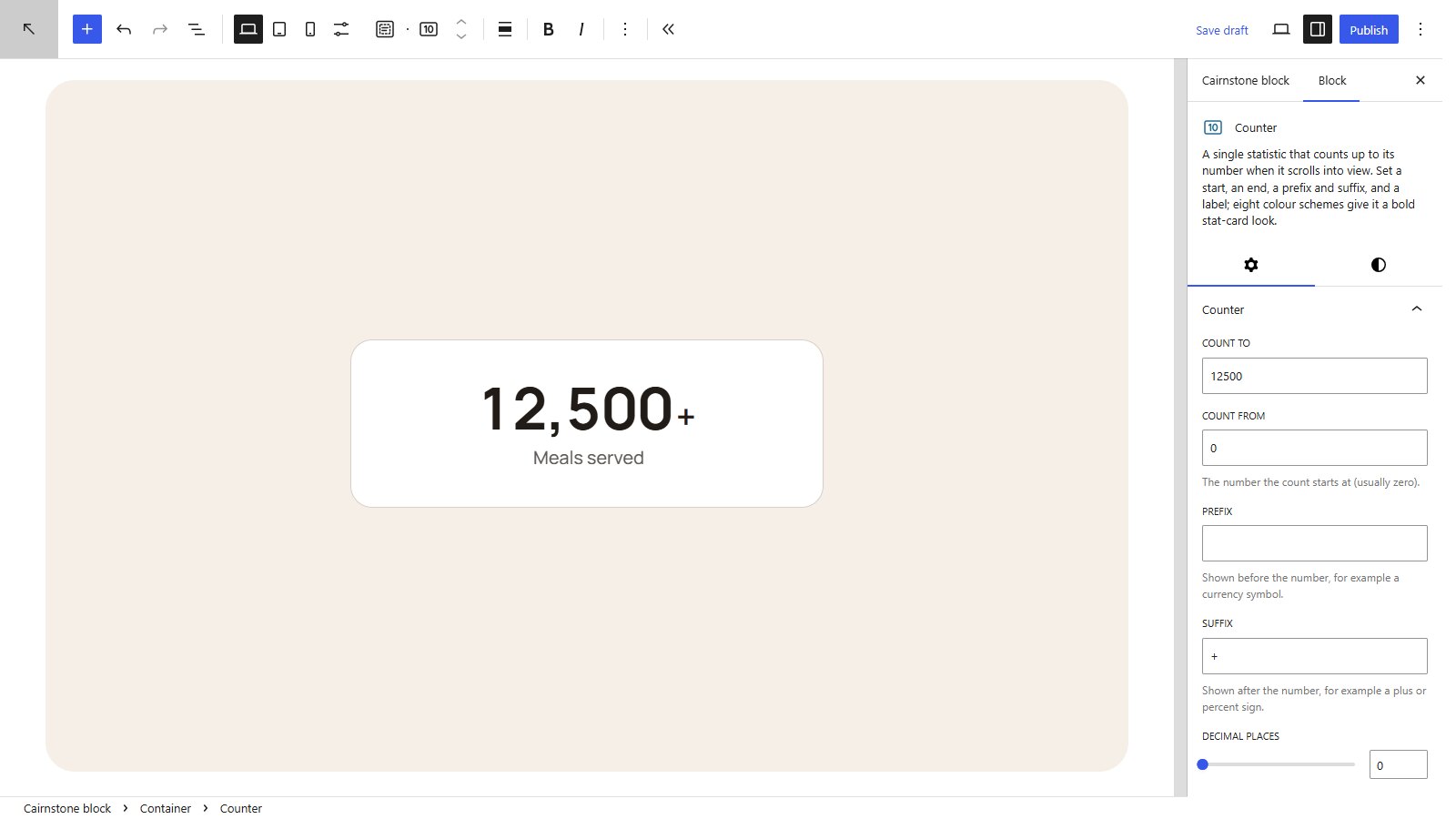
The Counter settings
- Count to: the final number, 100 to start. Count from: the number the count starts at, 0 to start.
- Prefix and Suffix: shown before and after the number, such as a currency symbol, or a plus or percent sign.
- Decimal places: 0 to 4, 0 to start.
- Thousands separator: Comma (1,000) (the default), Space (1 000) or None (1000).
- Seconds to count up: how long the number takes to count up, 2 to start. Count style: Ease out (slows near the end) (the default) or Steady.
- Alignment: Left, Centre (the default) or Right.
- Colour scheme: Default (follow theme), or one of eight ready-made colour sets: Oxblood Velvet, Midnight Amethyst, Voltage, Harvest Table, Abyssal Teal, Cobalt Signal, Harvest Table Dark and Cobalt Signal Dark.
Colours and shape
Where you set the look depends on where you edit the block. In a normal post or page, the Styles tab has WordPress’s own controls: colour, typography, padding and margin, and border. In a saved Cairnstone block, under Cairnstone → Blocks, the Styles tab has Cairnstone’s full set: colour (a ready-made set or your own), typography, border, shadow, filters, and size and spacing, each for the normal state and for hover, focus, pressed and switched off.
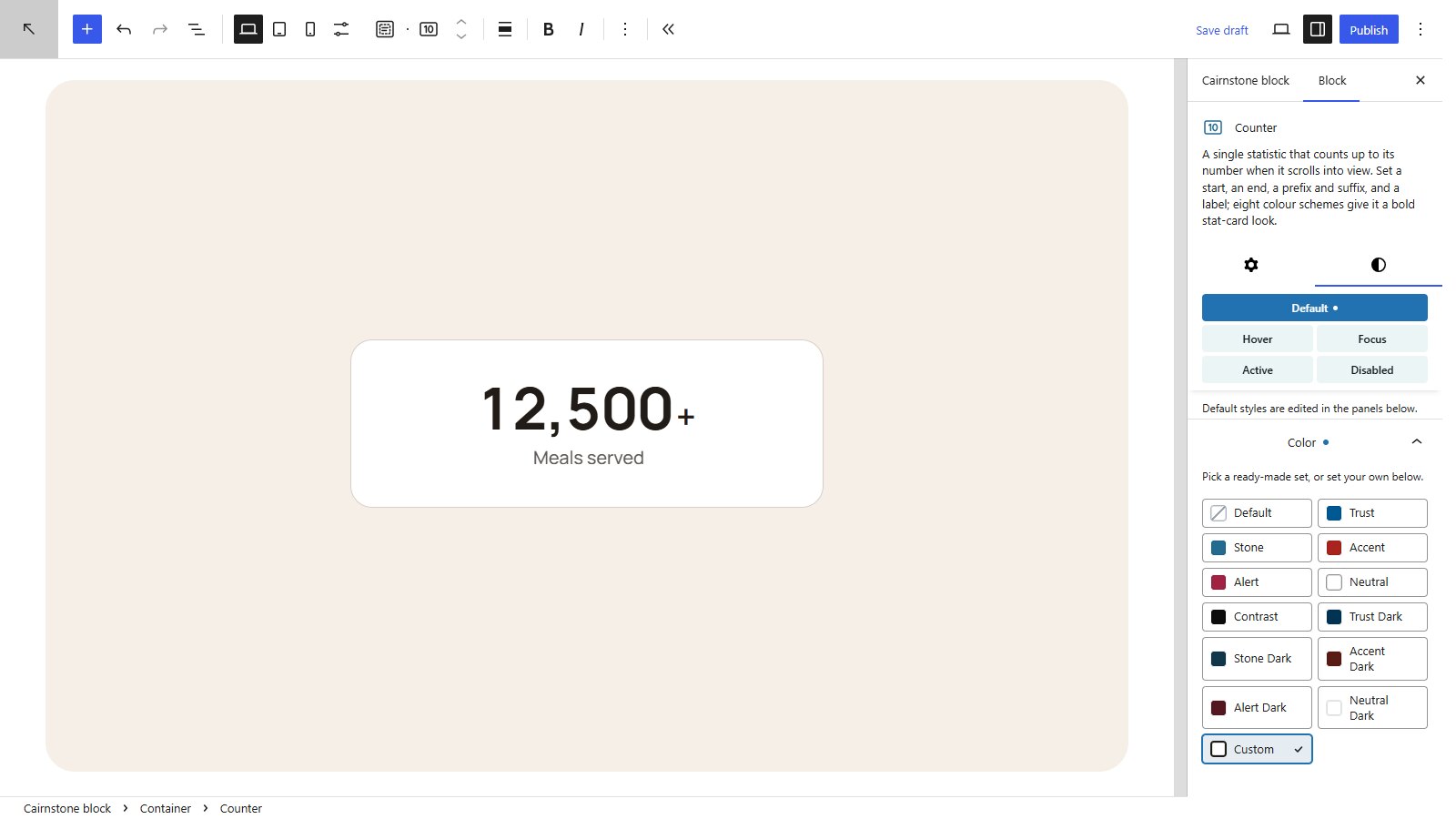
What visitors get
The final number is on the page as text from the start. So screen readers A program that reads the screen aloud, for people who cannot see it well. They move around the page with the keyboard and hear what is there., search engines and visitors without JavaScript all read the right number, such as 12,500+. The moving digits are hidden from screen readers.
Next, read Tell readers about affiliate links.