The Carousel block A piece of a page, such as a paragraph, a picture or a button. In WordPress you build a page by putting blocks one after another. is a row of slides visitors click through, for content such as cards, quotes or whole layouts. Each slide holds any blocks you like: a picture, a heading, a paragraph, a button. See it working on the Carousel page. For one big photo at a time with its own text, use the Slideshow block.
Add a slideshow
Add the Carousel block where you want it. It starts with two empty slides.
Click into a slide and add the blocks it should hold. Click a dot or an arrow under the slides to move to another slide.
Press Add slide under the carousel for one more.
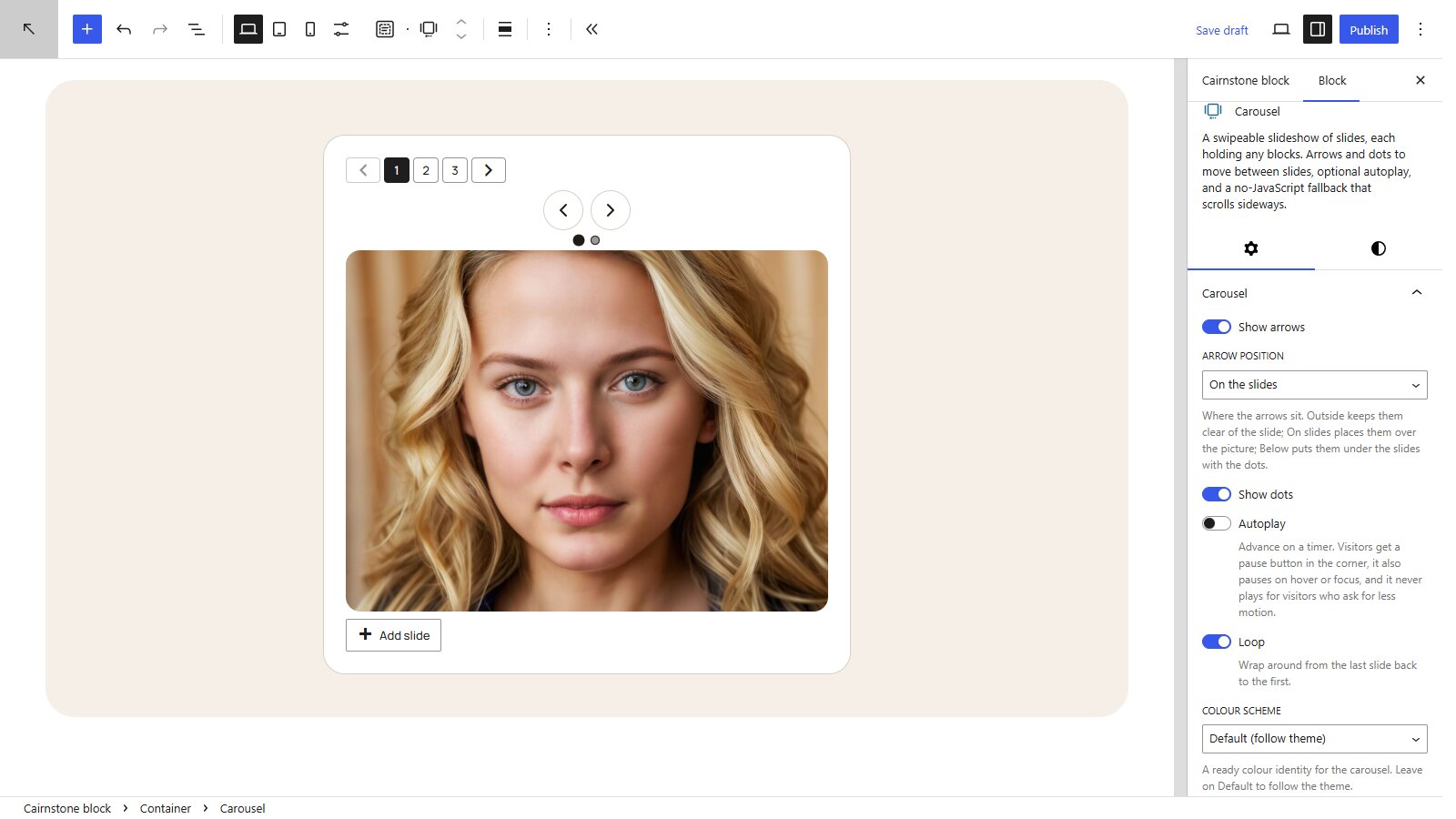
The Carousel settings
- Show arrows is on to start.
- Arrow position: Outside the slides (the default) keeps them clear of the slide, On the slides places them over the picture, and Below the slides puts them under the slides with the dots.
- Show dots is on to start.
- Loop is on to start: after the last slide comes the first again.
- Autoplay (off to start) moves to the next slide on a timer, Seconds on each slide apart, 5 to start. It pauses while the pointer or the keyboard is on the carousel, and never runs for visitors who ask their device for less motion. Visitors cannot stop it for good, so leave it off where people need time to read.
- Colour scheme: Default (follow theme), or one of eight ready-made colour sets: Oxblood Velvet, Midnight Amethyst, Voltage, Harvest Table, Abyssal Teal, Cobalt Signal, Harvest Table Dark and Cobalt Signal Dark.
Colours and shape
Where you set the look depends on where you edit the block. In a normal post or page, the Styles tab has WordPress’s own controls: colour, typography, padding and margin, and border. In a saved Cairnstone block, under Cairnstone → Blocks, the Styles tab has Cairnstone’s full set: colour (a ready-made set or your own), typography, border, shadow, filters, and size and spacing, each for the normal state and for hover, focus, pressed and switched off.
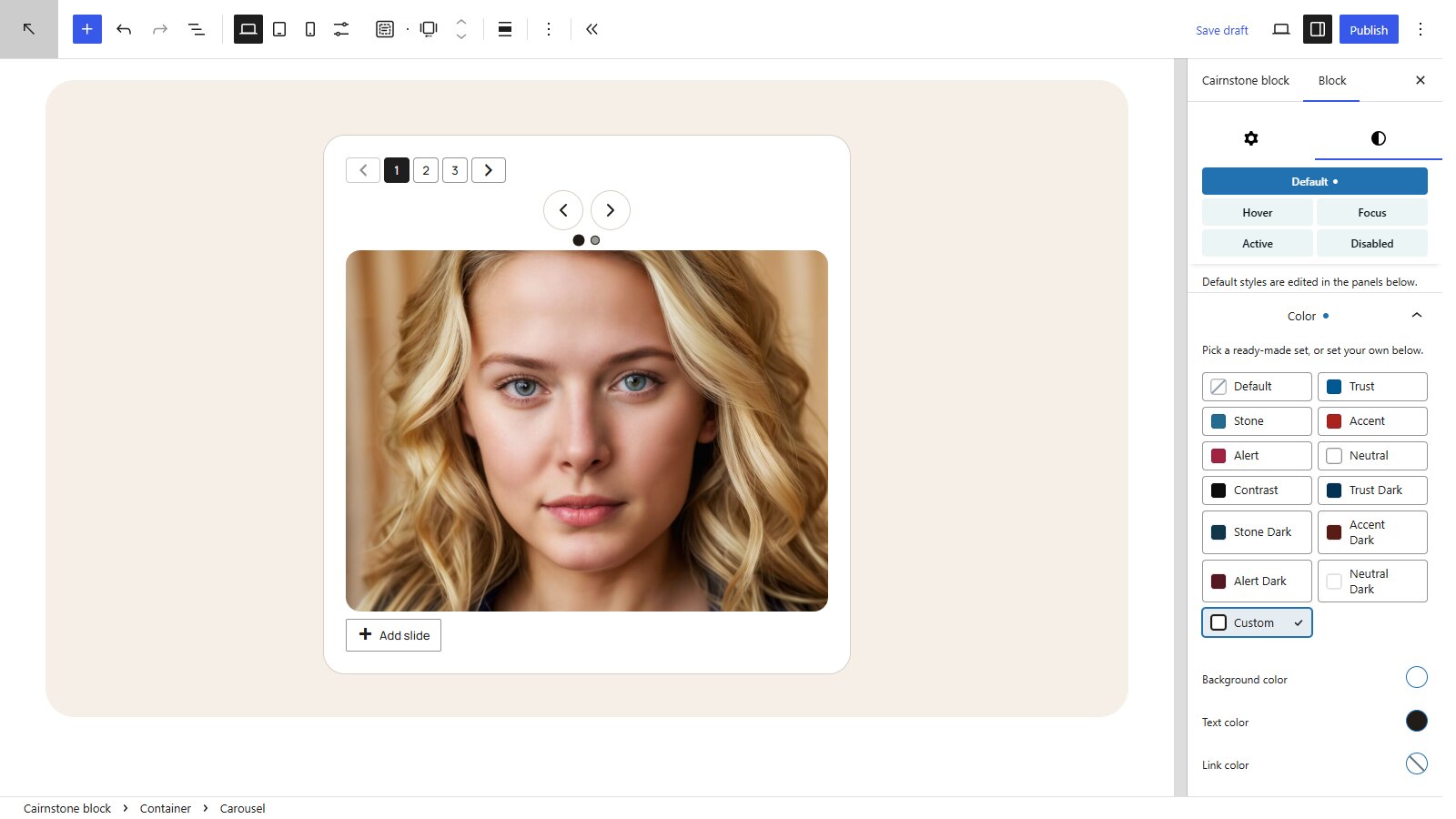
What visitors get
- Screen readers A program that reads the screen aloud, for people who cannot see it well. They move around the page with the keyboard and hear what is there. hear a carousel named Slideshow.
- The arrows are buttons named Previous slide and Next slide, and each dot is a button such as Go to slide 1 of 3. The dot for the slide in view is marked.
Next, read Make a list of ticks and crosses.