The Button Group block A piece of a page, such as a paragraph, a picture or a button. In WordPress you build a page by putting blocks one after another. puts two or more Cairnstone Buttons side by side, with one alignment and one gap for all of them. See the buttons working on the Button page.
Add a row of buttons
Add the Button Group block where you want it. It starts with two buttons, one filled and one outline.
Type the words on each button, and set what each one does in its own settings (see Add a button that links or acts).
To add a button, press the + at the end of the row.
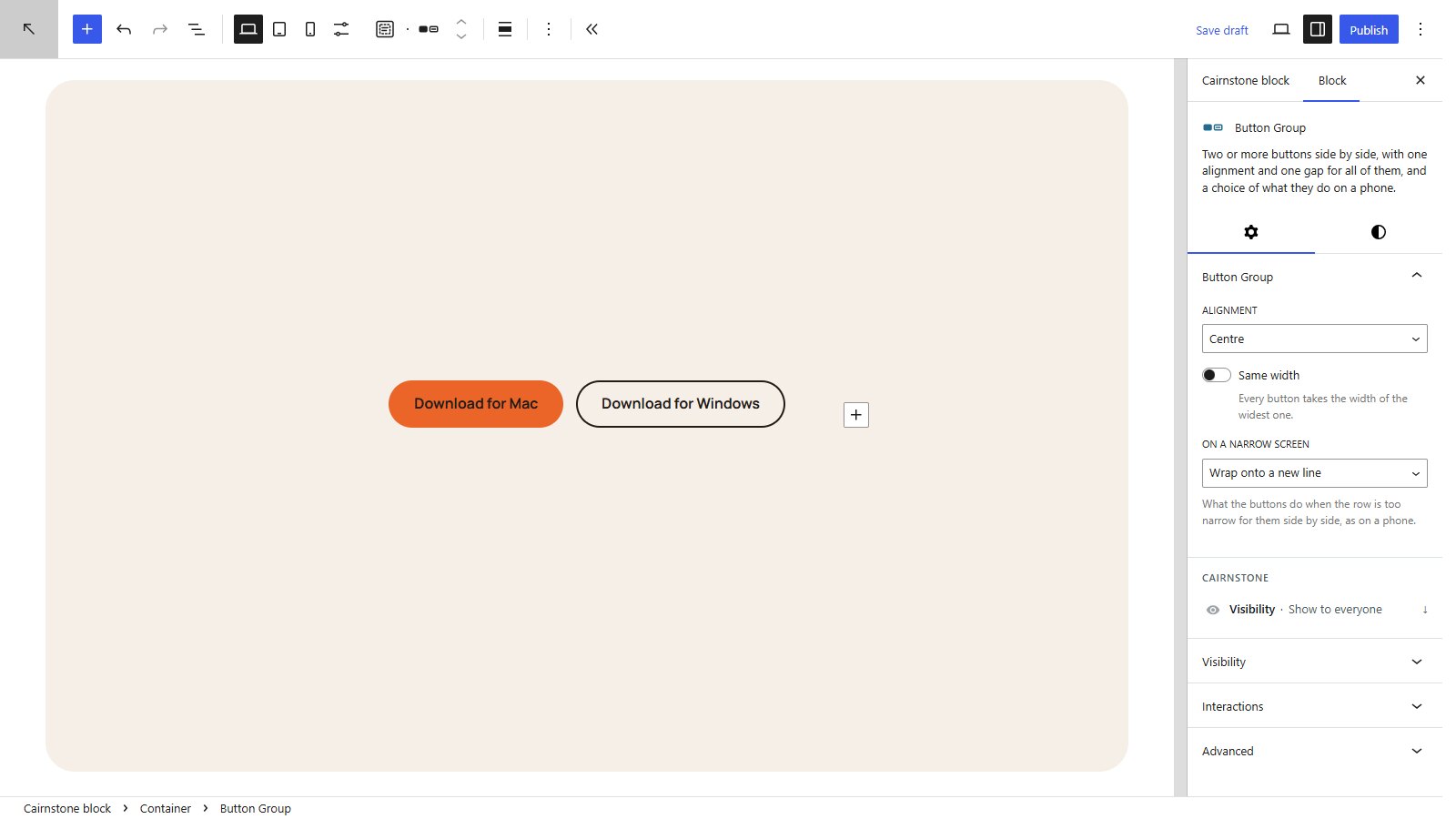
The Button Group settings
- Alignment: Start (the default), Centre, End, or Spread across the row.
- Same width (off to start): every button takes the width of the widest one.
- On a narrow screen: what the buttons do when the row is too narrow for them side by side, as on a phone. Wrap onto a new line (the default) moves a button that does not fit to the next line. Stack, each at its own width puts them one under the other. Stack, across the full width makes each one as wide as the row.
The gap between the buttons is Block spacing, in the Styles tab under Dimensions. The row itself needs no script on the page.
Colours and shape
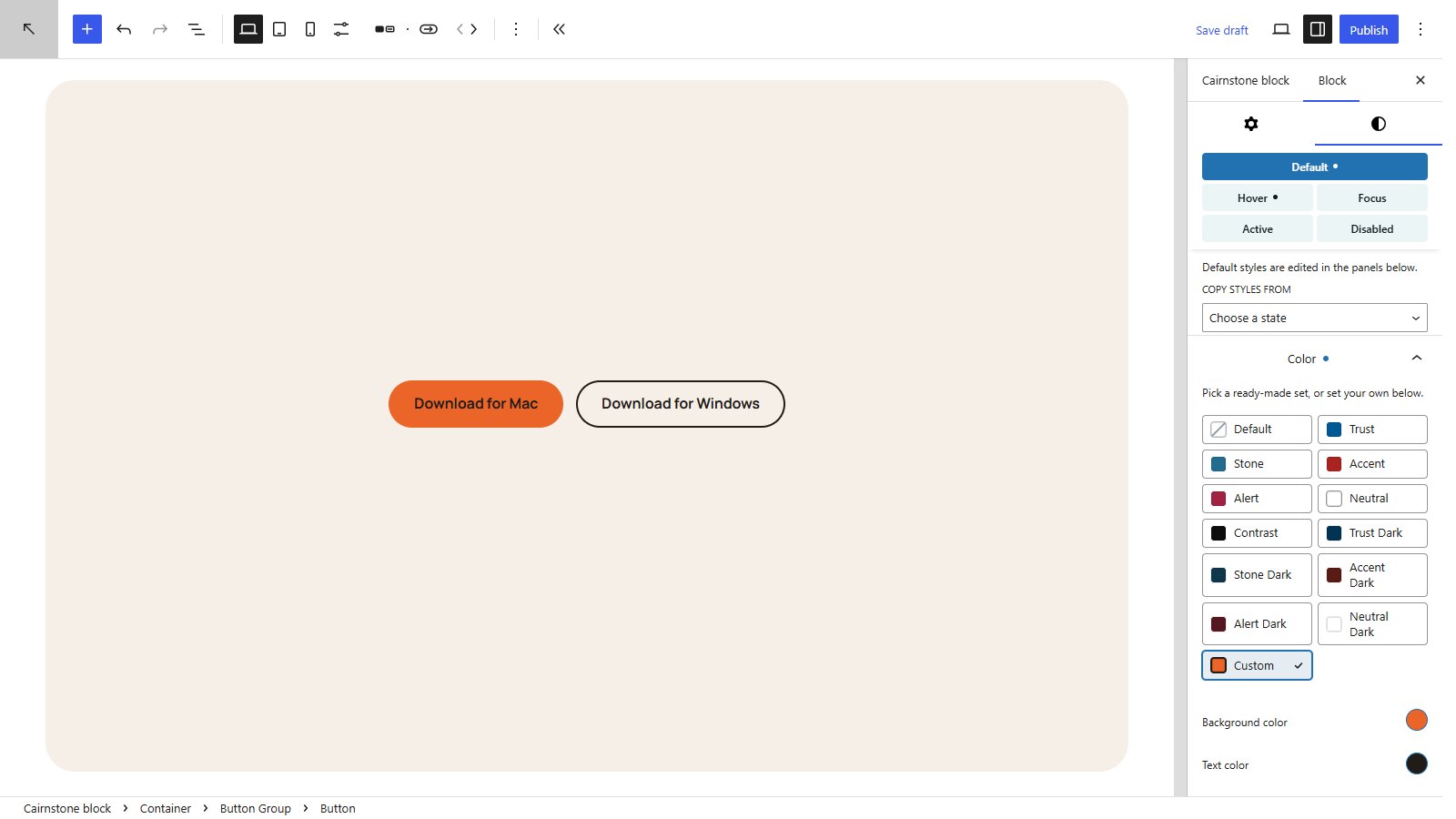
Where you set the look depends on where you edit the block. In a normal post or page, the Styles tab has WordPress’s own controls: typography, padding, margin and block spacing. In a saved Cairnstone block, under Cairnstone → Blocks, the Styles tab has Cairnstone’s full set: colour (a ready-made set or your own), typography, border, shadow, filters, and size and spacing, each for the normal state and for hover, focus, pressed and switched off.
Try them: a Button Group with two buttons. A click keeps you on this page.
Next, read Set a tip or a warning apart.