To update Cairnstone, upload the newer zip file from Gillish over the copy you have.
Update Cairnstone
Back up your site.
Download the newest gillish-cairnstone.zip from Gillish.
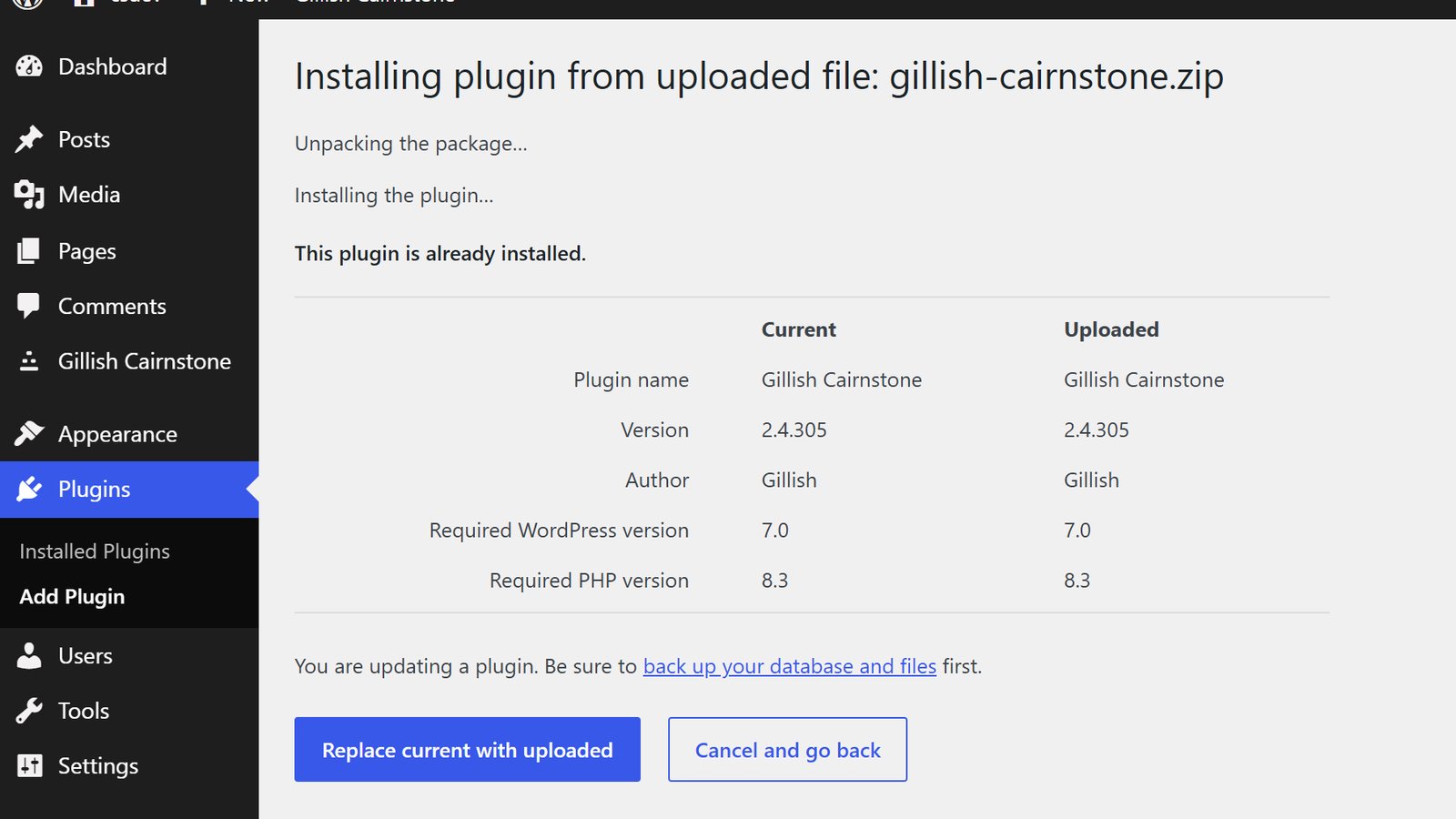
Go to Plugins → Add Plugin → Upload Plugin, choose the file and upload it.
WordPress sees the copy you have and offers Replace current with uploaded. Click it.
Back up before you update any plugin An add-on you install in WordPress to give your site new features. Gillish Cairnstone and Gillish Core are plugins. that adds blocks A piece of a page, such as a paragraph, a picture or a button. In WordPress you build a page by putting blocks one after another.. Cairnstone warns you before a change to a block you built alters your pages (see Change a block that is already in use); a backup covers everything else.
Blocks that an update adds
A new install starts with every block on. A block that an update adds follows Cairnstone → Settings → General → New blocks in updates (the menu reads Gillish Cairnstone when Gillish Core is not active):
- Follow my blocks: on if every block is on, off if you have turned any off.
- Always on and Always off do what they say.
This is decided once, when the update arrives. After that the new block has its own switch like every other, and your blocks keep theirs.
Next, read Fix common Cairnstone problems.