A Field block A piece of a page, such as a paragraph, a picture or a button. In WordPress you build a page by putting blocks one after another. can show a short line of help text under its label, called a hint, such as “We only use it to send the guide”. You can write it on each field, in the block’s Hint setting, or set it once for every field of a kind.
Set default hints
Go to Cairnstone → Settings → Site defaults and find Default field hints.
Fill the box for each kind of field you want: Text, Email, Phone, Web address, Number, Long text or Password.
Click Save Changes.
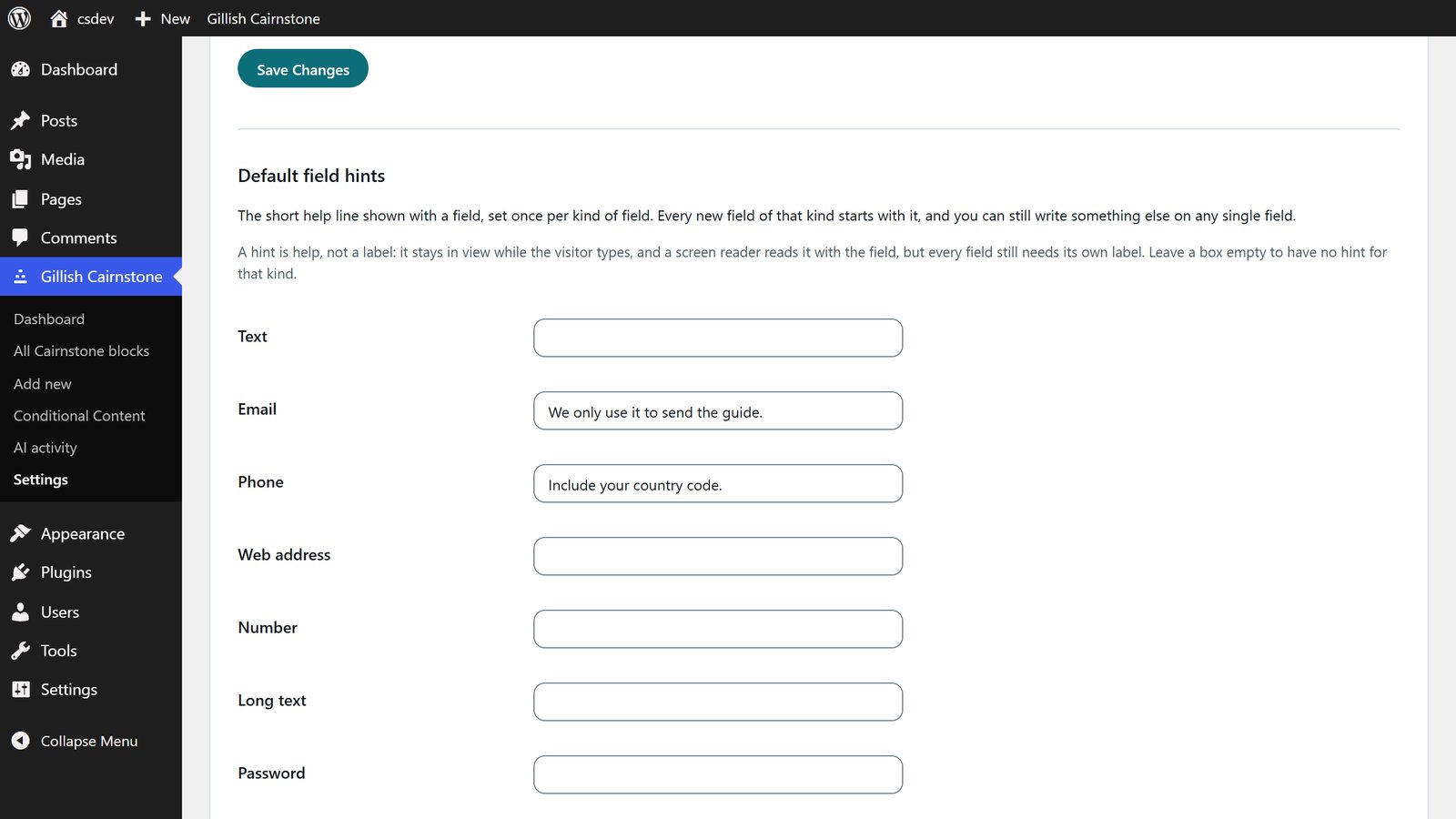
Every field of that kind with no hint of its own then shows your text, the fields you built before too. A hint written on a single field always wins. The boxes start empty, so the fields you have built keep what they have.
To have some fields of a kind with a hint and some without, leave that kind’s default empty and write the hint on the fields that need one.
A hint is help, not a label: it stays in view while the visitor types, and a screen reader A program that reads the screen aloud, for people who cannot see it well. They move around the page with the keyboard and hear what is there. reads it out with the field. Give every field a label of its own.
Next, read Let an AI assistant build blocks.