Blocks you build with Gillish Cairnstone can move between sites. One block A piece of a page, such as a paragraph, a picture or a button. In WordPress you build a page by putting blocks one after another. is one .gcblock.json file. Several blocks are packed into one .zip file.
Export blocks
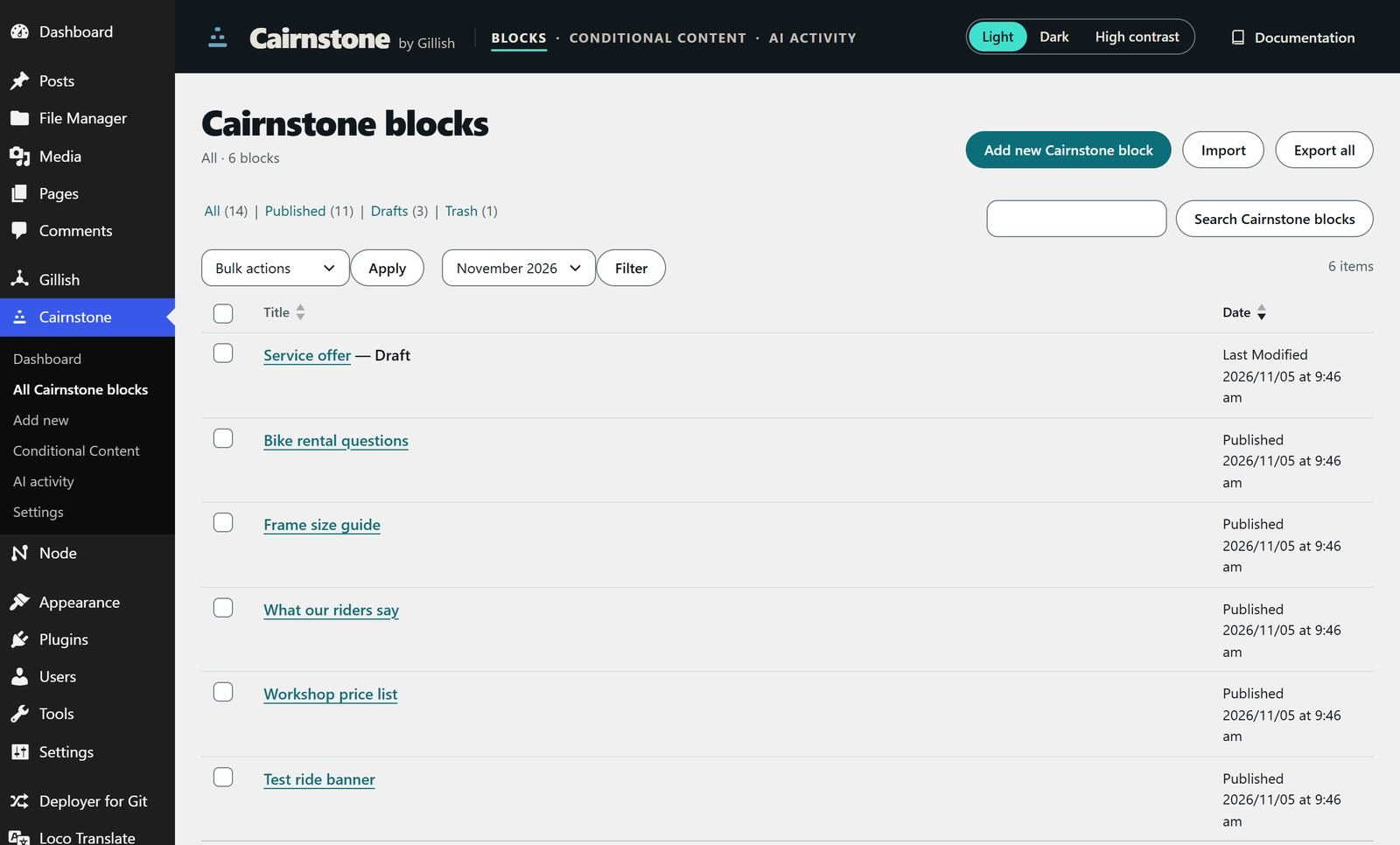
- One block, from its editor: open the block and look in the right sidebar. The panel holds one button, Export this block; the help text under it says it downloads a .gcblock.json file. Click it; your browser downloads
<slug>.gcblock.jsonimmediately. A draft exports too. Only a new block that has never been saved cannot; save it once first. - One block, from the list: go to Cairnstone → All Cairnstone blocks, hover a row and click Export.
- Several blocks: tick the blocks in the list, choose Export selected under Bulk actions and click Apply.
- All blocks: click Export all at the top of the list.
Import blocks
Go to Cairnstone → All Cairnstone blocks.
Click Import and pick one or more files, or drag the files onto the list.
Check the preview. Each file gets a status label.
Click Import.
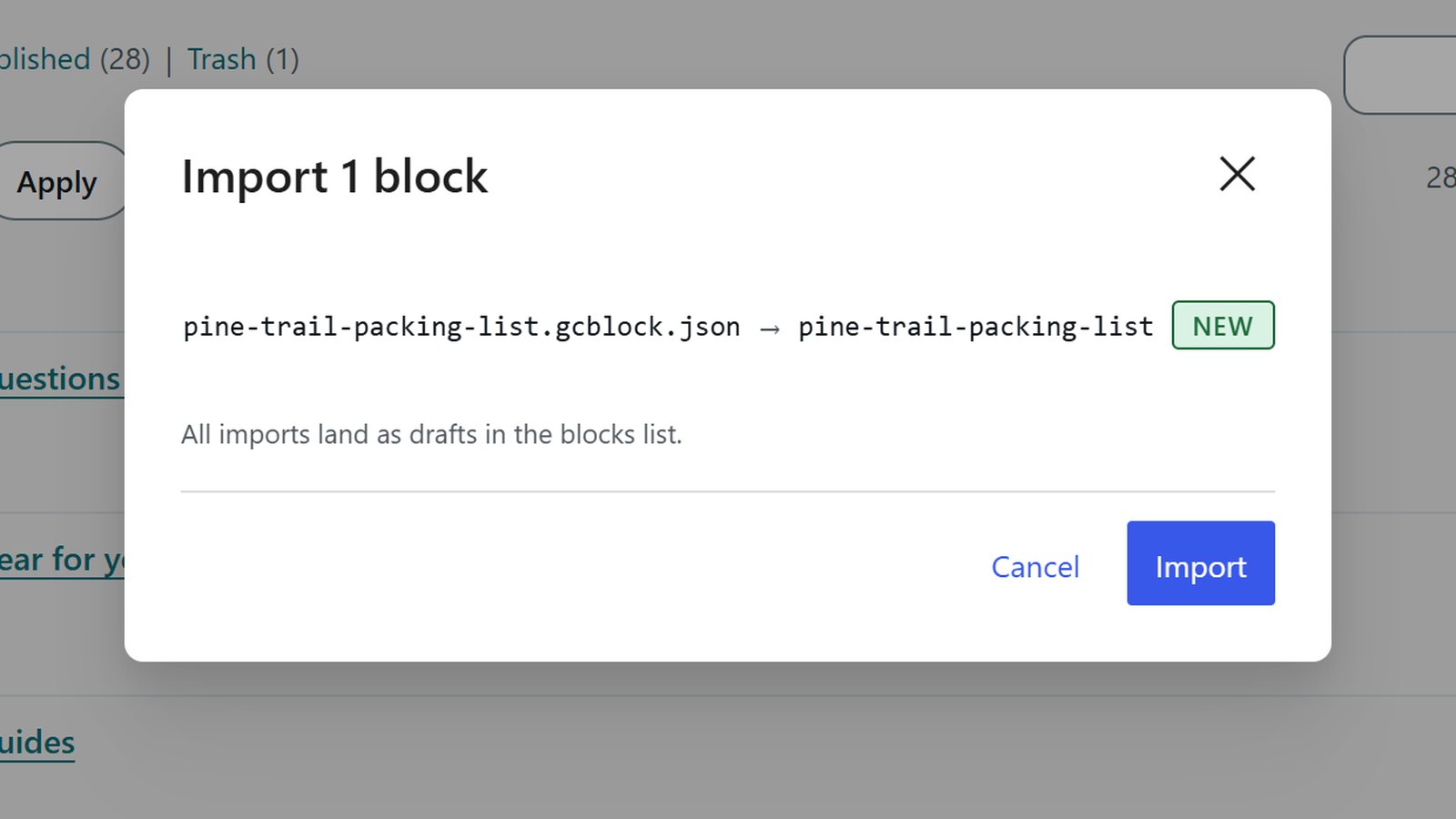
Imported blocks arrive as drafts. Nothing goes live until you publish it.
What the status labels mean
- NEW: the block imports as it is.
- RENAMED: a block with the same name already exists, so the new one gets a number added, for example
pricing-fancy-2. - NEWER FORMAT: the file comes from a newer Cairnstone version. Update Cairnstone first.
- INVALID: the file is broken or not a Cairnstone export. Click the label to see why.
- MIGRATING: not in use yet. Every Cairnstone export so far has the same format, so no file needs converting; the label is kept for the day a later format arrives. Until then a file with any other format number is refused with NEWER FORMAT.
For developers: the command line
WP-CLI covers the same ground: wp gillish-cairnstone list-blocks, export-block <slug>, import-block --from=<file> and wipe-blocks --yes. Exporting the same block twice gives the exact same file, so you can keep your blocks in Git.
Next, read Set default hints for form fields.