Gillish Cairnstone installs like any other WordPress plugin An add-on you install in WordPress to give your site new features. Gillish Cairnstone and Gillish Core are plugins.. Until it is listed in the WordPress.org plugin directory, you get it as a zip file from Gillish.
Install the plugin
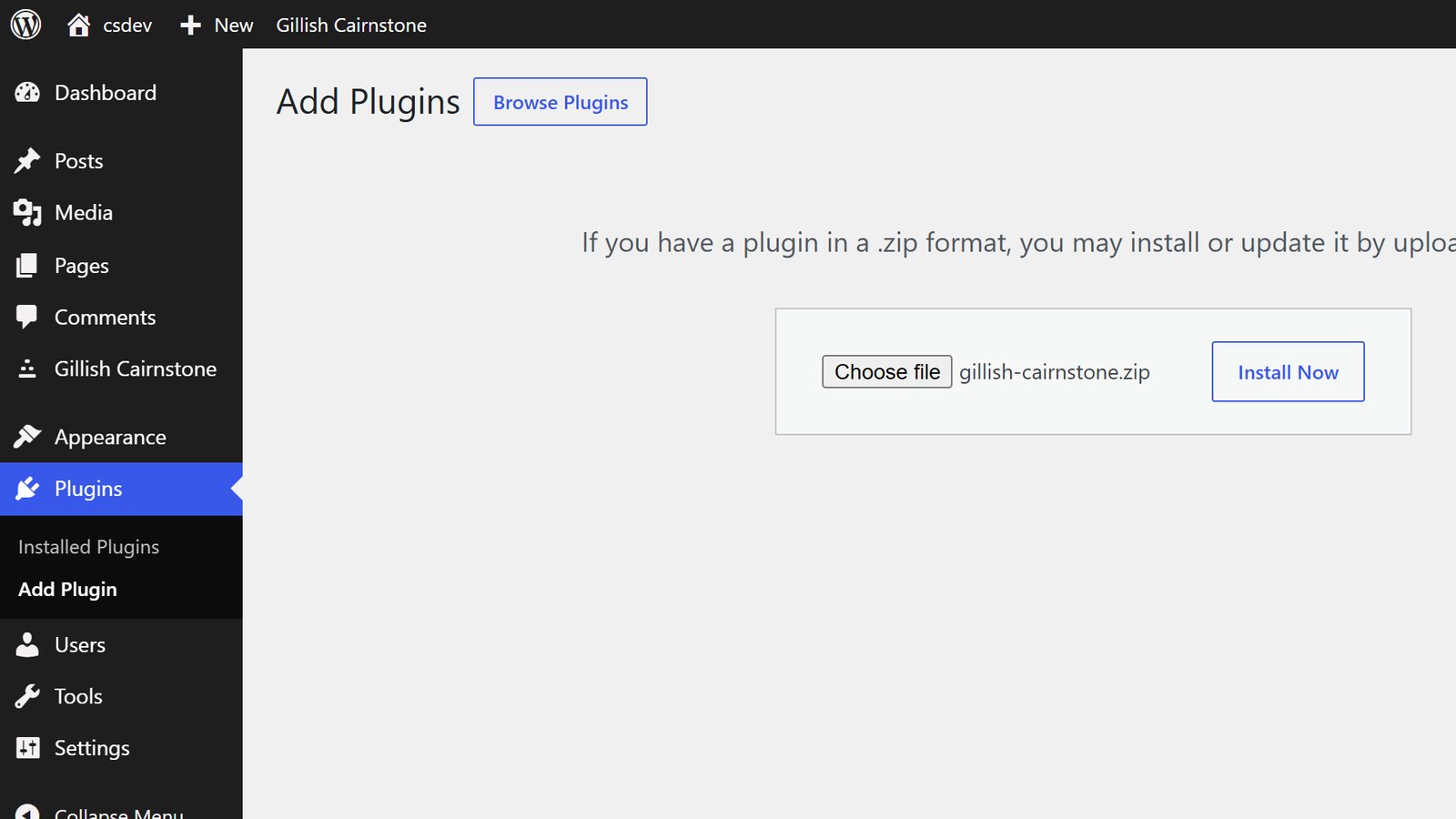
In your WordPress admin, go to Plugins → Add Plugin → Upload Plugin.
Choose the file
gillish-cairnstone.zipand upload it.Click Activate.
A new item called Gillish Cairnstone now appears in the admin menu (it is called Cairnstone when Gillish Core is active). Click it to open the Cairnstone Dashboard.
What your site needs
- WordPress 7.0 or newer.
- PHP 8.3 or newer.
Cairnstone works with PHP up to 8.5 and WordPress up to 7.1. If your host runs older versions, the plugin will not activate. It shows a notice instead, so nothing on your site breaks. You can see both versions under Tools → Site Health → Info.
Find your way around
The Cairnstone menu has these pages:
- Dashboard: how many blocks A piece of a page, such as a paragraph, a picture or a button. In WordPress you build a page by putting blocks one after another. are on, your saved blocks, what Cairnstone counted in the last 30 days, and a short Needs attention list with a link to fix each item.
- All Cairnstone blocks: every block you have built yourself.
- Add new: start building a new block.
- Conditional Content: statistics for content you show to different visitors. It only appears when that module is on.
- AI activity: a log of what AI assistants did on your site in the last 30 days.
- Settings: turn blocks and modules on or off, and set site-wide defaults.
Every Cairnstone admin screen starts with the same bar: links to the plugin’s parts, a Documentation link, and three buttons, Light, Dark and High contrast. Your choice of colours applies to every Gillish screen and stays until you pick another.
Next, read Find your way in Cairnstone’s menu and settings.