Connect a shortening service, and Node can make a short URL A web address, such as https://example.com/contact/. It is what you type in the browser to open a page. for a link’s target URL. Node shortens the target itself, not your /node/ address, so a click on that short URL goes straight to the target, outside Node’s click counts. The short URL is saved with the link and shown in the link editor. (The Short URL column in Manage Links shows the link’s own /node/ address.)
The services you can connect
- Bit.ly: your Bit.ly Access Token, from app.bitly.com.
- Short.io: your Short.io API Key and your custom domain under Short.io Domain.
- Rebrandly: your Rebrandly API Key, and a custom domain under Rebrandly Domain (optional) if you want one.
- TinyURL: your TinyURL API Token (required).
- YOURLS (self-hosted): your YOURLS API URL and YOURLS Signature Token.
Connect a service
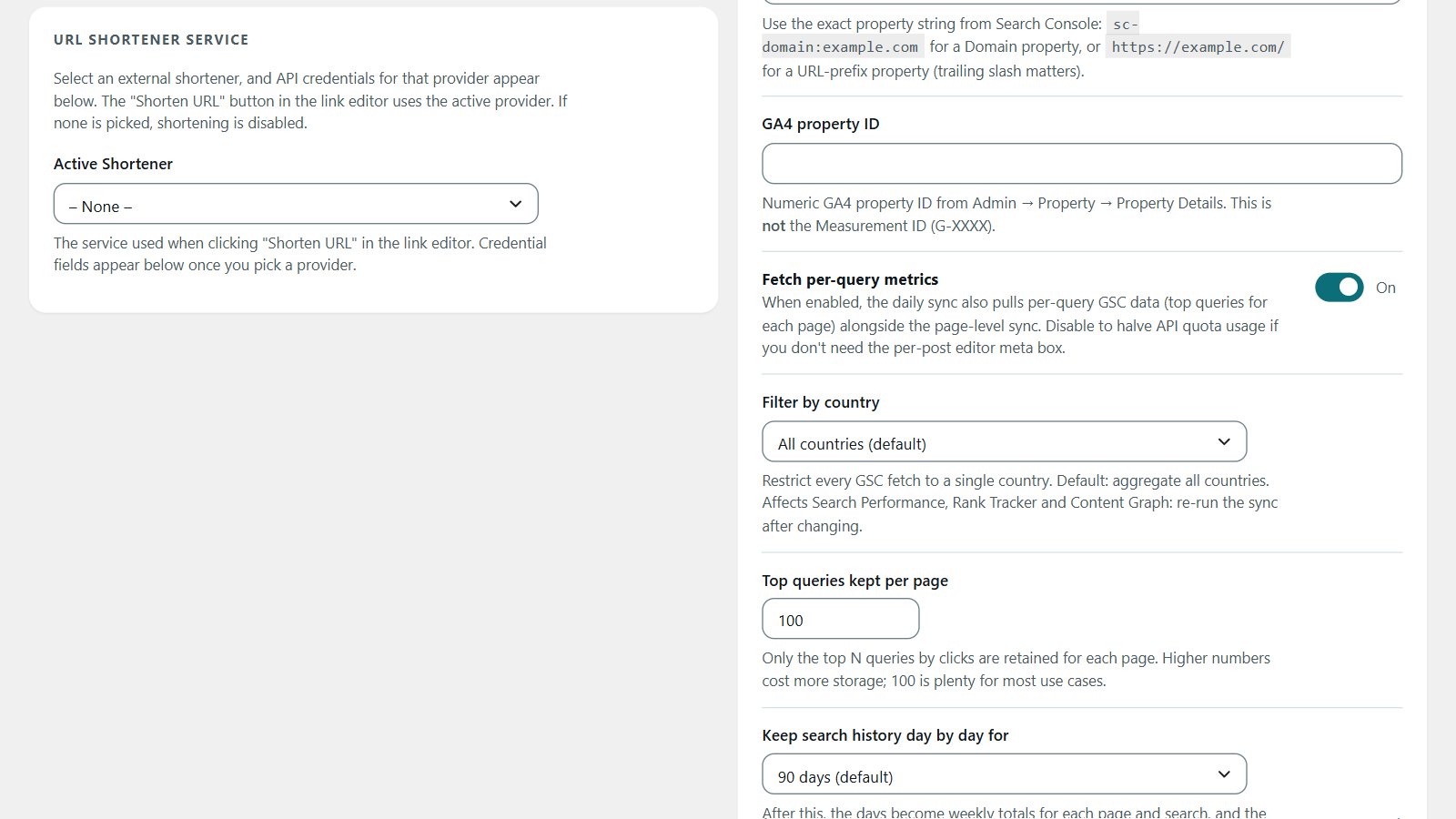
Go to Settings → Integrations, section URL Shortener Service.
Pick your service under Active Shortener.
Enter the details that appear below it.
Click Save changes.
Shorten a link
Open a saved managed link. If you changed its target, save it first.
Open Shorten the target URL. Its line says Made or Not yet.
Click Shorten now, or Shorten again once there is a short address.
For developers: add a service
Developers can add their own services with the gillish_node_register_shorteners filter, implementing the ShortenerProvider interface (id, label, shorten, settings_fields, is_configured).
Next, read Find and manage your links.