Settings → Health Check shows whether your site gives Node what it needs. Warnings appear at the top of Settings when a value is too low or the site has a lot of posts for the map.
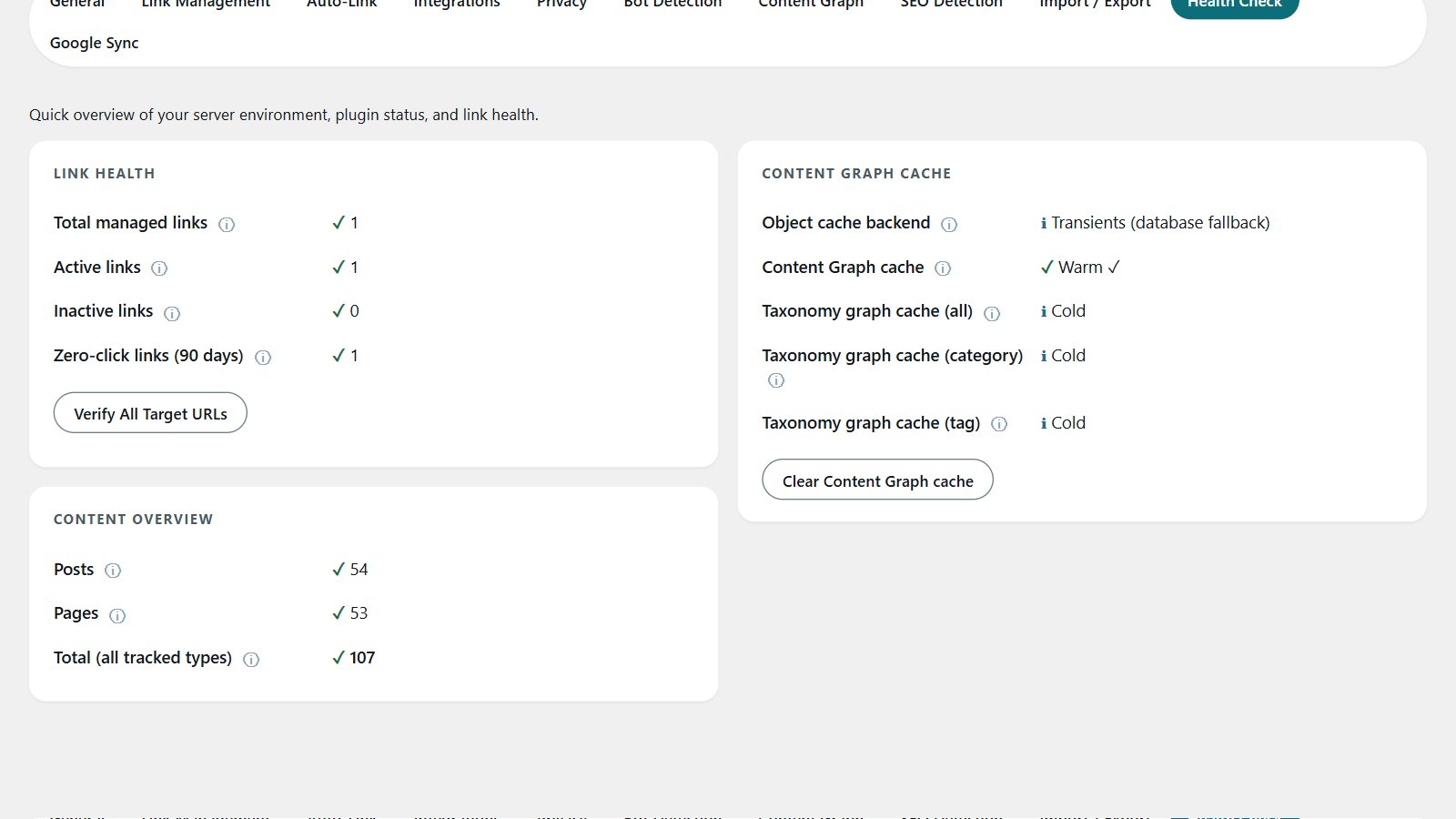
- Server Environment: the PHP version, WordPress’s memory limit, the maximum run time, the WordPress and Node versions, and the click table and link storage.
- Visitor Address: which address Node sees for a visitor, measured on your own visit. If a CDN or proxy such as Cloudflare or QUIC.cloud stands in front of your site and the server does not hand on the real address, Node sees the proxy’s address instead of your visitors’. Then all visitors share one click limit, count as one person and get the wrong country. The row says which case you are in; your host can fix it on the server. A second row says how much of the last 30 days’ clicks came from one address; from 20 clicks on, a share of 50% or more is flagged. Addresses are shown shortened and never stored.
- Link Health: total managed links, active links, inactive links (drafts) and links with no clicks in 90 days (robot clicks left out). Verify All Target URLs checks the 200 newest published links and lists every target that is not OK. Only 404, 410 and a domain that no longer exists count as errors; other answers, refusals and timeouts count as could not be checked.
- Content Overview: how many posts there are of each post type.
- Content Graph Cache: whether the stored map is warm or cold, with the Object cache Saved copies, such as copies of your pages, that make the site load faster. After a change, you may have to clear them before visitors see the new version. backend and three Taxonomy graph cache rows. Clear Content Graph cache removes it, so the next visit builds a new one.
Next, read Prepare your privacy policy for Node.